How to use AI to monitor and flag negative brand mentions before they become a crisis
Use affordable AI brand monitoring for small business to catch negative reviews before they snowball. Learn the DIY and professional strategies here.
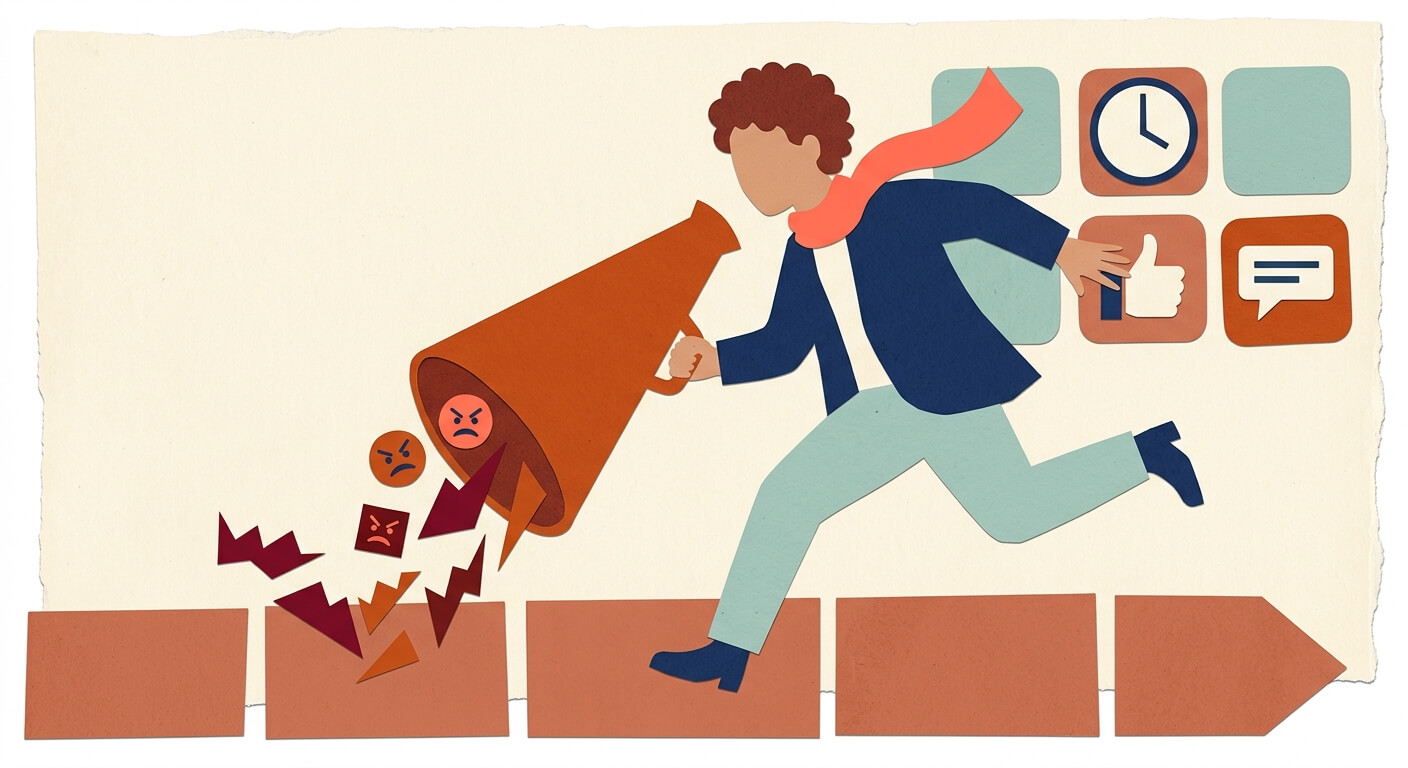
You open your laptop on a Tuesday morning, coffee in hand, and someone in your city's Facebook group has spent 400 words explaining why your restaurant gave them food poisoning. It was posted last night. It has 47 reactions. You're just now finding out.
This post walks you through how to set up an ai brand monitoring small business system that catches negative mentions before they snowball — so you're responding in hours, not days. You don't need a marketing team or a big budget to make this work.
What you need before you start
Google Alerts — Google's free tool that emails you whenever your business name appears online. It won't tell you if the mention is good or bad, but it catches a lot. Free.
Zapier — A tool that connects apps together and makes them talk to each other automatically, like a relay runner passing the baton. Free plan available; paid plans start around $20/month.
ChatGPT or Claude — AI assistants that can read text and tell you whether it sounds angry, happy, or neutral. Both have free tiers; paid plans start at $20/month.
Brand24 — A dedicated monitoring tool that does most of this automatically with built-in AI sentiment analysis (meaning it reads the mood of each mention). Starts around $49/month.
Time required: The DIY Google Alerts setup takes about 45 minutes. Brand24 is up and running in about 20 minutes.
Skill level: If you can set up a Gmail filter or use Google Maps, you can do this.
Why your business needs an early warning system right now
Over 88% of consumers trust online reviews as much as a recommendation from a friend. That's not a small thing. One negative post that sits unanswered for 24 hours doesn't just bother you — it shapes what strangers think before they ever walk through your door.
The good news? AI tools cut the average time between a complaint going live and you knowing about it from a full day down to just a few hours. That window matters enormously. A business owner who responds quickly and kindly to a bad review often comes out looking better than before the complaint was posted.
This is about protecting something you've spent years building. And the tools to do it are surprisingly accessible.
The DIY method: Google Alerts + AI (the $0 strategy)
This approach won't catch everything, but it costs nothing and it works. Think of it as a smoke detector — it won't cook dinner for you, but it'll wake you up before the house burns down.
Go to Google Alerts and type your business name in the search bar. If your name is common (like "Mike's Plumbing"), put it in quotes and add your city: "Mike's Plumbing Denver."
Click "Show options" and set the frequency to "As-it-happens" — this gets you the fastest possible notification instead of a daily digest.
Set the sources to "Automatic" to cast the widest net, then hit "Create Alert." Google will now email you every time your name appears in indexed content.
Open Zapier and create a new Zap (that's what Zapier calls an automated workflow). Set the trigger to "New email in Gmail" with a filter that matches Google Alerts emails.
Add a second step in Zapier that sends the email content to ChatGPT or Claude via their API (application programming interface — basically a way for two apps to talk to each other directly). This is the slightly technical part, but Zapier has templates that make it mostly click-and-connect.
This prompt will tell the AI what you want it to do with each mention it receives. Write it clearly so the AI knows to look for tone, not just keywords.
You are a reputation assistant for a small business. Read the following text from an online mention and determine: 1) Is the sentiment Positive, Negative, or Neutral? 2) If Negative, is it urgent (personal attack, food safety claim, service failure) or minor (mild complaint, misunderstanding)? 3) Return a one-sentence summary. Keep your response under 50 words. Here is the mention: [paste mention text here]
Tweak the categories to fit your business — a contractor might care more about "incomplete work" mentions, while a salon owner might flag "hygiene" issues as high priority.
- Add a final Zapier step that sends a Slack message or SMS to your phone only when the AI returns "Negative" in its response. This way, you're not drowning in alerts about every mention — just the ones that need your attention.
That last step is the whole point. You don't want to monitor everything manually. You want your phone to buzz only when something's actually wrong.
Dedicated AI monitoring tools: when to upgrade
The Google Alerts approach is scrappy and free, but it misses a lot — social media posts, comments on platforms that aren't indexed, reviews on Yelp or Google Maps. If your business lives and dies by its local reputation, it's worth looking at a dedicated AI brand monitoring tool.
Brand24 monitors social platforms, news sites, forums, podcasts, and review sites simultaneously. Its built-in AI automatically labels every mention as Positive, Negative, or Neutral, and it shows you sentiment trends over time — so you can see if something shifted after a specific event. Their entry-level plan runs about $49/month.
Mention covers similar ground with a slightly different interface and strong social listening features. Worth comparing if you're active on Instagram or Twitter/X.
For most solo business owners and small shops, Brand24's Individual or Team plan covers everything you'd realistically need. It's the upgrade that makes sense once you're ready to stop duct-taping things together.
How to set up "crisis threshold" alerts
Not every negative mention is a crisis. Someone saying "parking was a nightmare" is different from someone claiming your staff was rude to their kid. You need a way to know which is which.
A useful benchmark: if a negative post is getting significantly more engagement than your average posts — roughly 20% more likes, shares, or comments — that's your signal to treat it as urgent.
Here's how to operationalize that in Brand24:
Open your Brand24 dashboard and go to the "Alerts" section in your project settings.
Set an anomaly alert that triggers when your mention volume or engagement spikes above your normal baseline. Brand24 calculates this automatically using your historical data.
Layer in a sentiment filter so the spike alert only fires for Negative mentions. A spike in positive mentions is great — you don't need to wake up for that at midnight.
Connect it to your phone via email or the Brand24 mobile app so you get a push notification, not just a dashboard flag you'll see tomorrow.
If you're using the DIY Zapier method instead, you can replicate this by having the AI in your workflow count how many negative mentions have come in within a rolling 4-hour window and send a "high volume warning" if it crosses three or more.
The human element: turning a negative mention into a customer win
This is where the tech hands the baton back to you. AI can find the fire — but you're the one who decides whether to pour water on it or gasoline.
When you get a negative alert, the goal isn't to defend yourself. It's to make the person feel heard. A response that says "We're so sorry this happened — can you reach out to us directly so we can make it right?" does more for your reputation than the original complaint costs you.
Respond within a few hours if you can. Not days. The speed of your response signals to everyone reading (not just the person who complained) that you actually care.
Common pitfalls: sarcasm, bots, and false positives
AI tools are good, but they're not perfect. Here's where they tend to trip up.
The symptom: You get a "Negative" alert but the mention is clearly joking — "Oh sure, terrible experience, only want to go back every weekend now." Why it happens: AI struggles with sarcasm. It reads the words, not the tone. The fix: Glance at every alert before you respond. 10 seconds of human eyeballing prevents an embarrassing over-reaction.
The symptom: You're getting flooded with alerts that have nothing to do with your business. Why it happens: Your business name is also a common phrase or shares a name with something else entirely. The fix: Tighten your search terms. Add your city, your industry, or your owner name as secondary qualifiers.
What to do next
Set up Google Alerts today — right now, before you close this tab. It takes five minutes and costs nothing. Even if you eventually upgrade to Brand24, having Alerts running in the background is a solid habit.
Once you've got alerts flowing, you can think about layering in the Zapier workflow or making the jump to a dedicated tool. If you want a step-by-step guide on building automated workflows without any coding, [we've got a walkthrough that covers exactly that](PENDING: how to build automated AI workflows for small business).
FAQ
Do I really need to pay for a tool, or is Google Alerts enough? Google Alerts is a solid starting point — especially for businesses that aren't getting mentioned constantly online. But it misses social media and lots of review platforms, so if reputation is a major concern for your business, the $49/month for Brand24 is worth considering once you've outgrown the free setup.
Can the AI actually respond to negative reviews for me? It can draft responses, yes. But you should always review and personalize them before hitting send. An AI-drafted response that sounds canned can make things worse. Use it as a starting point, not a send button.
What if I have the same business name as another company? Use quotation marks around your business name in Google Alerts, and add qualifiers like your city or industry. In Brand24 and Mention, you can set exclusion filters that block results from irrelevant contexts.