How small businesses are using AI to transcribe meetings and auto-create task lists for their team
Learn how to use AI meeting notes and action items for small business to eliminate administrative tasks and improve team accountability automatically.
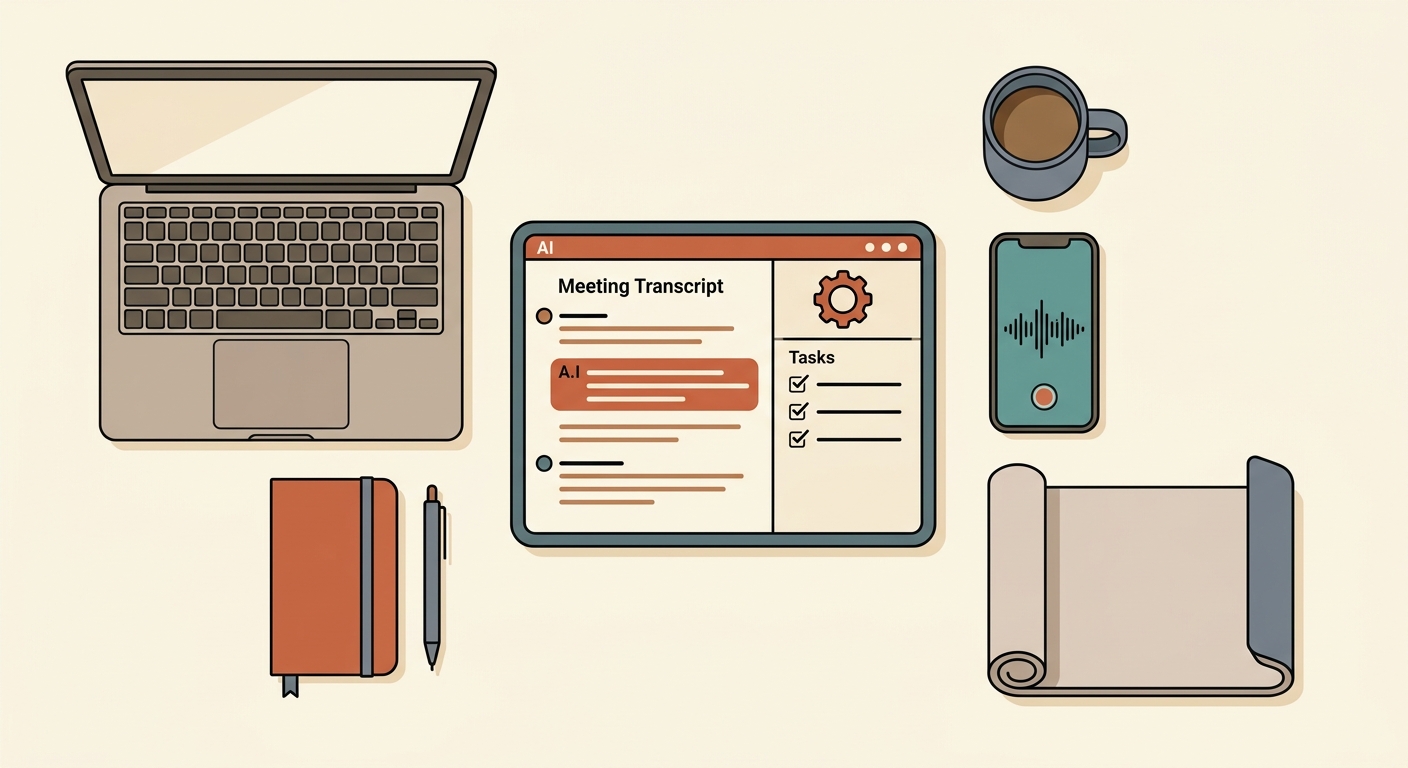
Small business owners lose an average of 4–6 hours weekly to post-meeting administration, a drain that direct Harvard Business Review reporting identifies as a major barrier to scaling operations. This guide walks you through building an "agentic" workflow using AI meeting notes and action items for small business to capture, transcribe, and delegate tasks directly into your project management software. Automating this process eliminates the human error inherent in manual note-taking and ensures accountability by pushing tasks directly into your team’s existing dashboards.
What you need before you start
- Fireflies.ai — An AI meeting assistant that records, transcribes, and generates action items. Pricing: The "Pro" plan at $16/seat/month (billed annually) is required for CRM/PM integrations as of March 2026. Fireflies.ai pricing is tiered; the free plan lacks the necessary automation hooks for project management.
- Zapier — An automation platform to connect your meeting assistant to your project management tool. Pricing: The "Starter" plan at $29/month is sufficient for most small team workflows.
- Time required: 45 minutes for initial configuration, testing, and mapping fields.
- Skill level: Intermediate. You must understand how to map "fields" from one software platform to another.
Connecting your ai meeting notes and action items to project management
- Authorize the integration: Inside Fireflies.ai, navigate to "Integrations" and connect your account to Asana, Notion, or ClickUp. (Requires the Pro plan, $16/month as of March 2026).
- Define the output trigger: Set your AI assistant to "Auto-summarize" and specifically enable the "Action Item Extraction" feature.
- Configure the Zapier Webhook: Create a new Zap with the trigger "New Action Item in Fireflies.ai."
- Map the data fields: Connect the "Task Title," "Assignee," and "Due Date" fields from the Fireflies output to the corresponding fields in your project management tool.
Use this mapping logic for your integration:
- Field: Task Summary -> Map to: Task Name
- Field: Owner -> Map to: Assignee Email
- Field: Deadline -> Map to: Due Date
After your first test, verify the output by checking if the task appears in your team's "My Tasks" view. If the assignee is blank, ensure your team members have their emails correctly synced across both the meeting assistant and the project tool.
This configuration is critical because without precise field mapping, tasks will land in an "unassigned" bucket, defeating the purpose of automated accountability. The logic here relies on the Agentic Workflow framework, where the AI acts as a node in your digital nervous system rather than just a passive recorder.
When something goes wrong
- The task fails to appear in your project tool: The root cause is usually a mismatch between the email address in your meeting assistant and the email registered in your project management software. Verify that both systems use the same domain/email for team members.
- The AI hallucinates an action item: This happens when the model misinterprets casual conversation as a request; refine your "System Prompt" in the assistant settings to include: "Only extract tasks explicitly phrased as a commitment by a team member."
- CRM or PM fields are incorrectly filled: This occurs when the Zapier mapping uses a generic output field instead of a specific data-point field. Go back to the Zapier editor and ensure you are selecting the granular "Task Description" data point rather than the "Meeting Summary" block.
What to do next
Once the integration is stable, set up a "Capacity Check" workflow. Configure your AI to cross-reference the extracted due date with the assignee's Google or Outlook calendar to flag conflicts before the task is created.
FAQ
How does this impact data privacy for client-sensitive meetings? Many tools now offer "Zero Retention" policies or local-processing modes. Always verify in the Privacy Center of your chosen tool that your meeting data is not used to train public LLM models.
Is the ROI of automated ai meeting notes and action items measurable? Yes. If you save 5 hours per week per manager at a $50/hour internal cost, you save $250/week—or $13,000 annually per manager. Even with the $200–$400 annual subscription costs for these tools, the margin is substantial.
Can these tools handle video and screen shares? Modern models (as of March 2026) like GPT-4.5 and Claude 3.6 Opus can process video and screen shares simultaneously. This allows the AI to capture "visual" action items, such as a change requested on a live-shared slide deck, with over 40% higher accuracy than 2024-era models.
What is the "context window" and why does it matter? Earlier models struggled to remember long-term project history. Current models use large context windows to reference documents from your private drive (like your internal SOPs) during the meeting, ensuring action items align with your actual company processes.
Read Next
How to use AI to summarize long supplier or vendor contracts so you actually know what you're signing
OperationsUsing AI to write the listing description and buyer FAQ for selling your small business or a business asset
OperationsHow local service businesses are using AI chatbots on their website to book appointments while they sleep