How to use AI to screen job applicants before you read a single resume
Use AI to screen resumes for your small business in 3 steps. Cut hiring time by 70% with ChatGPT or Claude — no ATS or tech skills needed.
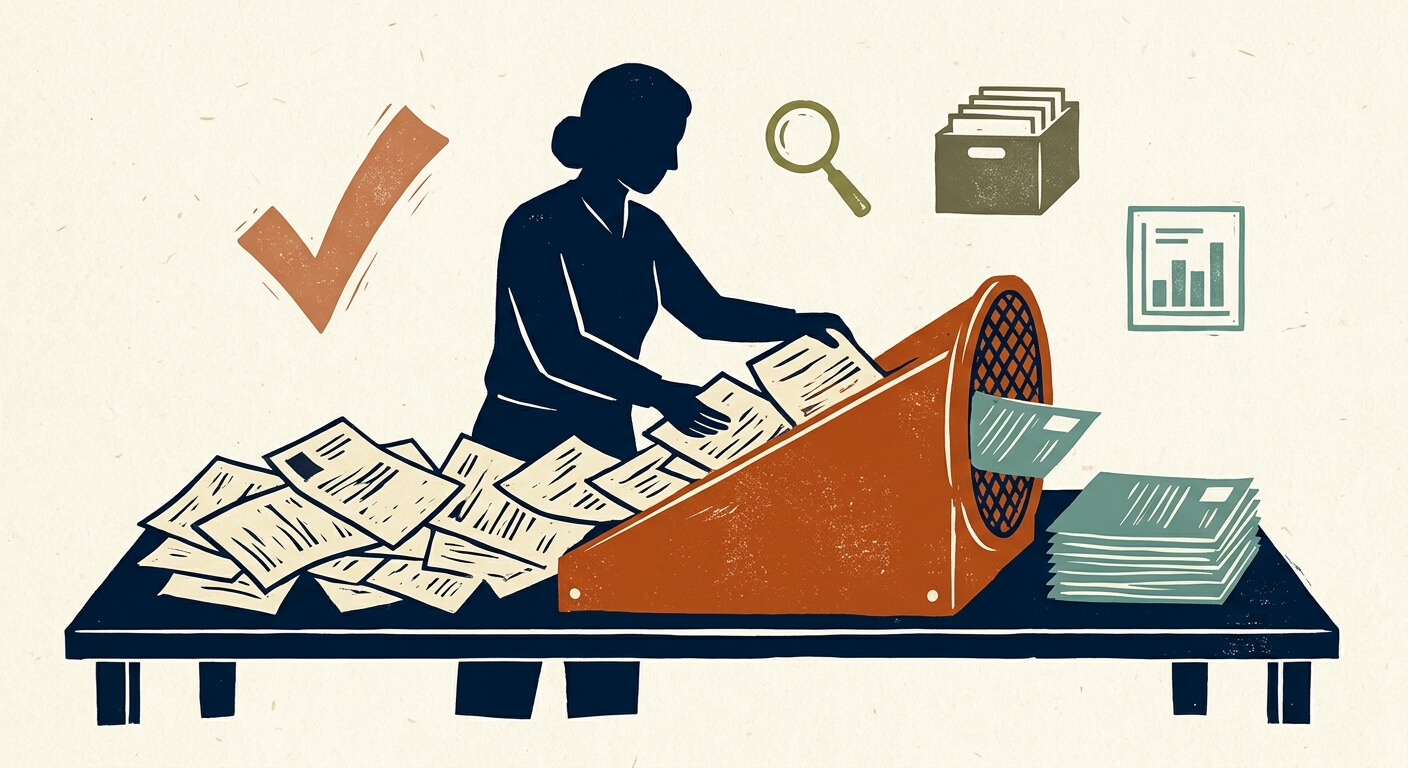
Manual resume screening costs small business owners an average of 20–30 hours per open role — time that most can't afford, producing decisions that often aren't better for the effort. This post walks you through a repeatable, three-step system for using AI to screen resumes for your small business: you'll use ChatGPT or Claude to rank and summarize applicants before you read a single full resume. Set it up once and you'll cut that screening time by up to 70%, consistent with SHRM reporting on AI in hiring — which means you get to a shortlist in hours, not days.
What You Need Before You Start
ChatGPT or Claude — either model works for this workflow; both support large context windows that can process 20+ resumes in a single session. ChatGPT Plus runs $20/month (pricing) and gives you access to GPT-4o. Claude Pro also runs $20/month (pricing) and uses Claude 3.5 Sonnet. The free tiers of both tools can handle this workflow for small batches (under 10 resumes), but context limits make the paid plans worth it once you're screening more than that.
Time required: 30–45 minutes to build your rubric and privacy-strip your first batch of resumes. Subsequent rounds take 10–15 minutes per batch once your rubric is saved.
Skill level: No technical background needed. You'll be copy-pasting text into a chat interface. You do need to be able to convert PDFs to text — instructions below.
The 3-Step Privacy Checklist Before You Upload Anything
Here's the catch: uploading resumes directly to a public LLM without stripping personal data is a compliance problem, not just a best practice. GDPR and CCPA both classify names, phone numbers, addresses, and email addresses as Personally Identifiable Information (PII). Sending that data to a third-party AI service without proper data processing agreements in place creates legal exposure.
Before you paste a single resume into ChatGPT or Claude, do the following:
- Remove the candidate's full name. Replace it with "Candidate A," "Candidate B," and so on.
- Delete contact details. Phone numbers, email addresses, street addresses, LinkedIn URLs, and personal websites all go. A custom LinkedIn URL often includes a full name.
- Scrub any identifying institutional details that could reveal protected characteristics. Graduation years can imply age. Certain organizations or fraternities can signal religion or ethnicity. Whether you remove these is a judgment call, but you should make the call consciously — not accidentally leave them in.
Keep a separate, locked spreadsheet that maps "Candidate A" back to the real applicant. You'll need it when you decide who to contact.
How to Build Your Ideal Candidate Rubric
This is the most important step in the whole system. As HBR noted in their 2023 analysis of ChatGPT in hiring, AI performs best as a screener when it's given explicit, predefined criteria — not when it's asked to evaluate candidates in the abstract. Without a rubric, the model fills the gap with its own assumptions, and those assumptions can carry bias.
Your rubric should come directly from your job description. Start by pasting your JD into ChatGPT or Claude and using this prompt:
Prompt — Rubric Builder:
"Here is the job description for a [Job Title] role at my company:
[PASTE JOB DESCRIPTION]
Based on this, create a scoring rubric I can use to evaluate resumes. The rubric should have 5–7 criteria, each weighted by importance. For each criterion, define what a score of 1 (does not meet), 3 (partially meets), and 5 (fully meets) looks like, based specifically on the requirements in this job description. Format the output as a table."
What you should get back: a structured table with your criteria, their weights, and clear scoring definitions. Review it before you use it. If the model invented a criterion that isn't actually important to you, remove it. If it missed something critical, add it. You are setting the North Star — the model is just organizing it.
The trade-off here is specificity versus speed. A rubric you review and edit takes 15 more minutes to build. But it's the difference between AI that screens for your priorities and AI that guesses at them.
How to Use AI to Screen Resumes: Ranking a Full Applicant Stack
Once your rubric is ready and your resumes are privacy-stripped and converted to plain text, the actual screening takes about 10 minutes per batch of 10 resumes.
Open a new chat session in ChatGPT or Claude. A fresh session prevents the model from being anchored to previous conversations.
Paste your rubric as the first message, with this framing:
"I'm going to give you a rubric and then a set of anonymized resumes. Your job is to score each resume against the rubric, provide a short summary of each candidate's strengths and gaps, and rank them from highest to lowest total score. Do not make a hiring recommendation — only score and summarize based on the criteria I've given you. Here is the rubric: [PASTE RUBRIC]"
Paste your anonymized resumes in the next message. Separate each one clearly with a header like
--- CANDIDATE A ---. For a batch of 10–15 resumes, this fits comfortably in one message on either paid plan.Request the output in a specific format. Add this to your second message:
"For each candidate, provide: (1) a score for each rubric criterion, (2) a total weighted score, (3) a 3-sentence summary of their fit, and (4) the one biggest gap between their background and the role requirements. Present this as a table followed by the summaries."
- Copy the output into a spreadsheet. Map it back to real candidate names using your locked reference sheet. This becomes your shortlist document.
What you should see: a ranked table with scores per criterion, totals, and summaries. If two candidates have identical scores, the summaries will give you qualitative context to break the tie.
The analytical note that matters here: the two-step structure — rubric first, then resumes — is not optional. If you paste resumes without a rubric and ask "who's best?", the model will pick someone, but it's optimizing for an undefined standard. That's not screening; it's a coin flip with extra steps.
How to Handle Resume Formats That Confuse AI
Graphics-heavy PDFs and creative resume templates are the most common failure point in this workflow. AI models read text, not design — a resume built in Canva or Adobe InDesign often converts to garbled or incomplete text when copied.
The symptom: You paste a resume and the output scores the candidate poorly or includes obvious errors, like missing work history that you can see in the PDF.
The root cause: The visual layout is being read out of sequence. A two-column resume often gets read left column top to left column bottom, then right column — which turns a coherent career timeline into word salad.
The fix — before screening begins: In your application instructions, specify that you require resumes submitted as a plain PDF or Word document with a single-column layout. This is a reasonable ask. Most candidates will comply if you tell them upfront. Alternatively, use a free tool like Adobe Acrobat's online PDF-to-Word converter to extract text, then manually verify the output looks complete before pasting.
What to do if a candidate submits a graphic resume anyway: Score it manually. Don't penalize the candidate for the format — your instructions may not have been clear enough, or they may have applied through a third-party job board that didn't carry your instructions. Flag it in your spreadsheet and move on.
Staying Compliant: Human-in-the-Loop and Avoiding Bias
The EEOC has published guidance on AI and algorithmic hiring tools that is worth reading before you deploy any AI screening system. The headline finding: employers are responsible for discriminatory outcomes even when those outcomes are produced by an AI tool. The AI is not a legal shield.
The honest answer is that the rubric-based approach in this post is significantly safer than asking AI to make open-ended judgments — but it is not risk-free. Two practical safeguards you should implement:
First, structure your rubric around skills, experience, and demonstrated outcomes only. Do not include criteria that could function as proxies for protected characteristics — things like "polished communication style" with no objective definition, or educational pedigree requirements that exceed what the role actually needs.
Second, treat the AI output as a draft shortlist, not a final decision. Every candidate who makes your final round should be reviewed by a human who has read the actual resume. The AI is cutting the stack from 50 to 10 — a human is still making the call on who gets interviewed.
When to Stop DIY-ing and Invest in a Real ATS
This ChatGPT/Claude workflow is purpose-built for small businesses that hire infrequently — roughly one to six roles per year — and don't have an Applicant Tracking System. If that's you, the free or $20/month setup described here will outperform doing it manually, full stop.
Here's where the math changes. If you're hiring more than eight to ten roles per year, the time you spend managing the spreadsheet, stripping PII manually, and running batch prompts starts to add up. At that volume, a lightweight ATS with built-in AI screening — something like Workable starting at around $189/month (verify current pricing before budgeting) or Breezy HR with a free tier for one active role — starts to make economic sense. Those tools handle compliance documentation, candidate communication, and scoring in one system. The DIY approach doesn't.
The numbers say: if your time is worth $75/hour and the manual spreadsheet approach costs you 4 hours/month in overhead, that's $3,600/year in labor — more than Workable costs. At lower hiring volume, the math runs the other way.
For more on evaluating ATS tools at the small business scale, see how to choose hiring software for a small team.
What to Do Next
Save your rubric as a template. The next time you hire — even for a different role — you'll have a starting point that takes 15 minutes to adapt rather than 45 minutes to build from scratch. Pair this with a standardized application form that collects information in plain text and you'll eliminate the format problem almost entirely.
If you want to extend this workflow into offer letters and onboarding docs, see how to use AI to write and customize employment documents.
FAQ
Can I use the free version of ChatGPT or Claude to screen resumes? Yes, for small batches. The free tier of ChatGPT uses GPT-4o with usage limits, and Claude's free tier uses Claude 3.5 Sonnet with message caps. For batches under 8–10 resumes with short prompts, you'll likely stay within those limits. For larger stacks or more complex rubrics, the $20/month paid plans give you higher context limits and no rate throttling — and for a hiring workflow you're running even four times a year, $20 is not a meaningful cost.
Is it legal to use AI to screen job applicants? Yes, with guardrails. The EEOC's guidance on AI hiring tools does not prohibit AI-assisted screening — it holds employers responsible for discriminatory outcomes regardless of how they're produced. Using a skills-based rubric and keeping a human in the final decision loop is the compliant approach. Using AI to make autonomous hire/no-hire decisions without human review is not.
How long does AI resume screening actually take compared to doing it manually? Rubric setup: 30–45 minutes the first time, 15 minutes for subsequent roles if you adapt a saved rubric. Privacy-stripping and converting resumes: roughly 2–3 minutes per resume. Running the batch and reviewing output: 15–20 minutes per batch of 10. Total for a 30-applicant role: approximately 2.5–3.5 hours, compared to the industry average of 20–30 hours for manual screening.
What if a candidate scores low on my rubric but still seems worth a look? Trust your read, and look. The rubric-based system is a filter for efficiency, not an oracle. What it does is ensure you're not making decisions based on gut feel alone. If a low-scoring candidate has something in their summary that stands out — unusual relevant experience, a career trajectory that doesn't fit the template but matches the actual job — flag them and review the full resume. The AI is working from the text it was given; it can miss context that you'd catch in 30 seconds.
What does AI resume screening cost per hire for a small business? If you're on the free tier: $0 in tool costs. If you're on ChatGPT Plus or Claude Pro at $20/month and you run two to three hiring rounds in a month: $20. The labor cost at $75/hour for 3 hours of screening is $225 — versus $1,500–$2,250 for the manual 20–30 hour average. Even accounting for the time spent setting up the rubric and stripping PII, the ROI on this workflow is strongly positive from the first hire.
Read Next
How to use AI to summarize long supplier or vendor contracts so you actually know what you're signing
OperationsUsing AI to write the listing description and buyer FAQ for selling your small business or a business asset
OperationsHow local service businesses are using AI chatbots on their website to book appointments while they sleep