Using AI to write a vendor or supplier contract from a quote or purchase order without a lawyer
Use AI to write a vendor contract without paying $300–$600/hr. A 3-phase workflow that turns any supplier quote into a defensible agreement in under an hour.
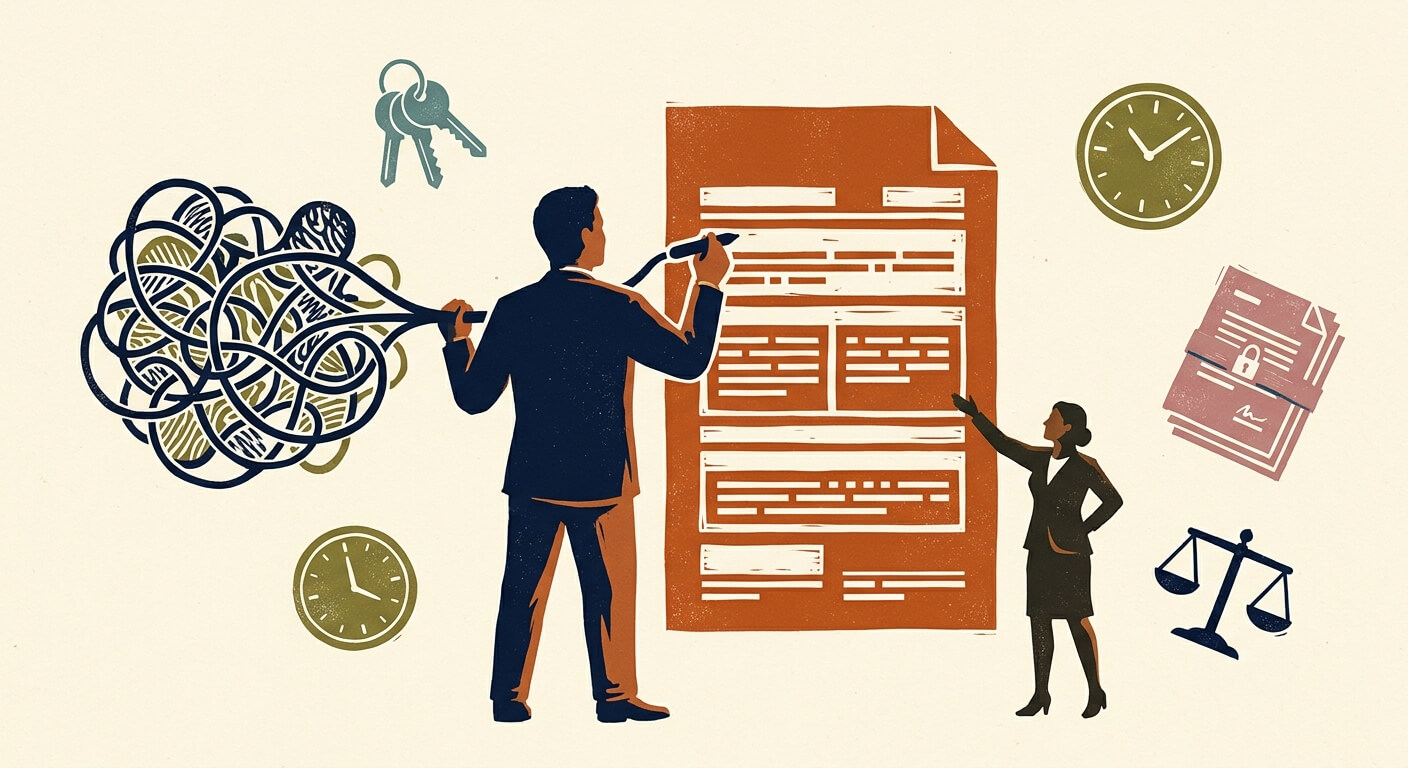
Small businesses pay $300–$600 per hour for basic contract drafting — a cost that leads most owners to simply sign whatever the supplier sends, even when that document is written entirely in the supplier's favor. This post walks you through a three-phase process for using AI to write a vendor contract for small business by converting a raw quote or purchase order into a defensible vendor agreement. The setup takes 30–60 minutes the first time; after that, you have a reusable workflow that saves you several hundred dollars every time a new supplier relationship starts.
What you need before you start
Claude (Anthropic) — a large language model with strong legal-text comprehension and instruction-following. The free tier (Claude.ai) supports this workflow, but the Pro plan at $20/month (pricing checked June 2025) gives you longer context windows — important when pasting in multi-page quotes. Claude 3.5 Sonnet is the specific model you want; it handles legal reasoning better than lighter model tiers.
ChatGPT (OpenAI GPT-4o) — an alternative if you already have a subscription. The Plus plan at $20/month (pricing checked June 2025) covers this use case. GPT-4.5 is also capable of legal drafting tasks but is currently available primarily via the OpenAI API rather than as a standard ChatGPT Plus chat option.
Time required: 30–45 minutes for a single contract using a pre-built prompt. Add 15–20 minutes if this is your first time configuring the system prompt. A full review pass with a paralegal or attorney, if you choose that route, is additional time not covered here.
Skill level: No technical background required. You need to be able to copy text from a PDF or email, paste it into a chat interface, and follow a structured prompting sequence. If you've used ChatGPT for anything before, you can do this.
Phase 1: Use AI to Analyze Vendor Contract Risks Before Drafting
This is the step most people skip, and it's where AI delivers its most immediate value. Before you ask the AI to write anything, ask it to read what your supplier sent you and identify what's missing or dangerous.
- Open your AI tool of choice (Claude or ChatGPT).
- Paste the full text of the supplier's quote, PO, or proposal into the chat window. If it's a scanned PDF, copy the text manually or use a tool like Adobe Acrobat to extract it first.
- Type the following risk analysis prompt:
System role (set this before your message if using Claude's system prompt field): "You are a commercial contracts analyst with expertise in small business vendor agreements. Your job is to identify legal and commercial risks, not to provide legal advice. Always flag your output as a draft for attorney review."
Your message: "Below is a supplier quote/purchase order I have received. Analyze it for the following:
- What commercial terms are present (payment terms, delivery, scope)?
- What critical clauses are entirely absent — specifically: termination rights, force majeure, intellectual property ownership, indemnification, dispute resolution, and 'time is of the essence'?
- Which of the present terms are one-sided in the supplier's favor?
- List your findings as numbered risks, ordered from highest to lowest severity.
[PASTE YOUR QUOTE OR PO TEXT HERE]"
Expect the AI to return a numbered risk list within 30–60 seconds. A well-formed response will flag 4–8 issues on a typical two-page supplier quote. If it returns fewer than three, the quote is unusually complete — or the model missed something, which is worth a second pass with a more specific prompt.
The risk analysis output becomes your drafting brief. This is the chain-of-thought approach: you're forcing the AI to reason about the specific document before it generates text, rather than producing a generic template that may not address your actual exposure.
Phase 2: Draft the AI Vendor Agreement Using a Legal Role Prompt
With your risk list in hand, you now instruct the AI to draft a contract that specifically mitigates those identified risks. This is not a one-shot "write me a contract" request — that produces generic output. This is a targeted drafting brief.
- Start a new chat session (or continue the same one if context length allows — Pro/Plus plans handle this better).
- Paste your risk analysis output from Phase 1 at the top of your message.
- Type the following drafting prompt:
Message: "Using the risks identified above, draft a vendor/supplier agreement between [YOUR BUSINESS NAME] ('Buyer') and [SUPPLIER NAME] ('Supplier') for the following scope of work: [BRIEF DESCRIPTION — e.g., 'monthly supply of 500 units of custom-printed packaging'].
Requirements:
- Incorporate all terms from the original quote that protect the Buyer
- Add the following missing clauses: termination for convenience (30-day written notice), force majeure, IP ownership (all deliverables are Buyer's property), mutual indemnification, and binding arbitration for disputes under $50,000
- Use plain English where possible; legal precision where necessary
- Include a 'time is of the essence' clause for delivery deadlines
- Flag any section where jurisdiction-specific legal review is strongly recommended
- End with a signature block for both parties
Format: Numbered sections with clear headers. Include a document header with [DATE], [BUYER NAME], [SUPPLIER NAME], and [CONTRACT NUMBER] as placeholders.
Add this disclaimer at the top: 'This document is a draft prepared with AI assistance and should be reviewed by a qualified attorney for compliance with applicable law in your jurisdiction.'"
The output will be a structured contract draft, typically 800–1,500 words depending on the complexity of the scope. Check that every risk from your Phase 1 list appears in a corresponding clause. If one is missing, ask the AI directly: "The risk analysis flagged [X] — which clause addresses this, and if none does, please add one."
Here's the catch: AI contract drafts are pattern-matched from training data. They are structurally sound and cover standard commercial scenarios well. What they cannot do is account for state-specific contract law, industry-specific regulations, or recent case law that may affect enforceability. That's not a reason to avoid this approach — it's a reason to treat the output as 90% complete, not a final document.
Phase 3: The Must-Have Clauses for Vendor Agreements
Every vendor agreement, regardless of industry or dollar value, should contain these six clauses. Use this as your review checklist after the AI produces its draft.
| Clause | Why it matters | What to check in the AI draft |
|---|---|---|
| Payment terms | Defines due dates, late fees, acceptable payment methods | Should specify net-30/60, late fee percentage, and invoice format |
| Termination for convenience | Lets you exit the contract without cause | Look for notice period (30 days is standard); avoid "for cause only" termination |
| Force majeure | Excuses performance during events outside either party's control | Should list specific triggers: natural disasters, supply chain disruption, pandemics |
| IP ownership | Determines who owns custom deliverables | "Work for hire" language should assign all deliverables to Buyer |
| Indemnification | Determines who pays if a third party is harmed | Mutual indemnification is standard; one-sided clauses favor the drafter |
| Dispute resolution | Defines how conflicts are resolved | Arbitration for smaller amounts ($50K or less) is typically faster and cheaper than litigation |
If any of these six are absent from the AI's draft, that's a prompt failure, not an AI limitation — go back and ask specifically for the missing clause.
Reviewing and Refining: How to Check the AI's Work
The AI draft is a starting document. Your review process has three steps.
First, run a clause-by-clause check against the table above. Mark any clause that's missing or vague.
Second, read every placeholder bracket — [DATE], [JURISDICTION], [GOVERNING LAW STATE] — and fill them in. Governing law clauses in particular require a deliberate decision: if you're in Texas and your supplier is in California, which state's law applies matters for enforceability.
Third, ask the AI to stress-test its own draft:
"Review the contract you just drafted. Identify any clauses that a supplier's attorney would likely push back on, any ambiguous language that could be interpreted in the supplier's favor, and any provisions that are unenforceable as written under standard U.S. commercial contract law."
This adversarial review prompt typically surfaces 2–4 refinements. It's the fastest quality-control pass available without paying for legal time.
When You Absolutely Need a Human Lawyer
Using AI to draft does not eliminate legal risk — it reduces the cost of producing a draft that a lawyer then reviews. The honest answer is that some contracts require attorney involvement regardless of the AI's output quality.
Engage a human attorney when:
- The contract value exceeds $25,000–$50,000. At that dollar threshold, the cost of a bad contract clause outweighs legal fees.
- You're dealing with intellectual property assignment. IP clauses have jurisdiction-specific enforceability issues that AI frequently gets wrong in subtle ways.
- The supplier is in a different country. Cross-border contracts involve international commercial law, export controls, and currency clauses that are outside the reliable range of general-purpose AI models.
- The supplier's contract contains unusual liability caps or indemnification language. If you're being asked to indemnify the supplier for their own negligence, that's a red flag that requires a professional read.
- You're a subcontractor on a federally funded project. FAR clauses (Federal Acquisition Regulation) are highly specific and non-negotiable; AI-generated language here can create compliance exposure.
For one-off attorney review of an AI-drafted contract, many small business attorneys will do a flat-fee review for $150–$300 — substantially less than the $300–$600/hour for drafting from scratch. The American Bar Association's lawyer referral service is a good starting point for finding attorneys who work with small businesses.
What to Do Next
Build a prompt library: save your Phase 1 and Phase 2 prompts as a text file or in a tool like Notion with a separate version for each common supplier type (materials supplier, subcontractor, SaaS vendor, freelancer). The first contract takes 45 minutes. By the third, you'll be under 20.
For a deeper look at structuring AI workflows for recurring admin tasks, see how to build repeatable AI prompts for business operations.
FAQ
Can I really use AI to write a vendor contract without a lawyer? Yes, with a specific caveat: AI generates a contract draft, not legal advice. The distinction matters legally. What you get is a structurally sound document that covers standard commercial terms — which is substantially better than signing the supplier's one-sided quote. According to Nolo's small business contract guidance, many routine vendor agreements under $10,000 never see an attorney; the real question is whether the risk exposure justifies the cost of legal review, not whether a draft needs to be perfect.
What does it cost to use AI for contract drafting versus hiring a lawyer? AI drafting costs $0 on a free plan or $20/month on Claude Pro or ChatGPT Plus (pricing checked June 2025). Traditional attorney drafting runs $300–$600 per hour for a basic commercial contract, with most simple vendor agreements requiring 1–3 hours — a total cost of $300–$1,800. The trade-off is that AI produces a draft requiring your own review time (30–60 minutes), while an attorney produces a review-ready document. For contracts under $25,000 in value, the math strongly favors AI drafting with optional flat-fee attorney review at $150–$300.
Which AI tool is best for drafting contracts — Claude or ChatGPT? Based on current testing, Claude 3.5 Sonnet handles multi-clause legal drafting with slightly more structural consistency than GPT-4o — it's better at maintaining clause numbering, cross-references, and defined terms across a long document. Both are capable; Claude's edge is in instruction-following precision for structured legal formats. Both are available at $20/month on their respective Pro plans. I have not tested Harvey.ai or Ironclad for this use case; both are enterprise-priced products that are outside the budget range of most small businesses reading this post.
What clauses do AI models most commonly miss in vendor contracts? In testing, the clauses most frequently missing or poorly drafted in AI-generated vendor agreements are: jurisdiction-specific governing law language, consequential damages limitations, and audit rights (your right to inspect the supplier's records if they're billing you for time and materials). Always run a manual check for these three specifically, even after a clean AI draft.
Is an AI-drafted contract legally enforceable? The enforceability of a contract depends on whether it meets the legal requirements for your jurisdiction — offer, acceptance, consideration, and legal capacity — not on who wrote it. A contract drafted by AI is as enforceable as one drafted by a paralegal or an attorney, provided the substantive terms are legally sound. The Forbes Advisor overview of AI legal tools confirms this position: AI authorship does not invalidate a contract. What creates enforceability risk is incorrect or ambiguous clause language — which is why the review steps in this post are not optional.
Read Next
How to use AI to summarize long supplier or vendor contracts so you actually know what you're signing
OperationsUsing AI to write the listing description and buyer FAQ for selling your small business or a business asset
OperationsHow local service businesses are using AI chatbots on their website to book appointments while they sleep