How to use AI to turn one blog post into a month of social media content
Learn how to turn one article into 4 weeks of social posts using AI. Practical prompts, platform tips, and a repeatable workflow for small businesses.
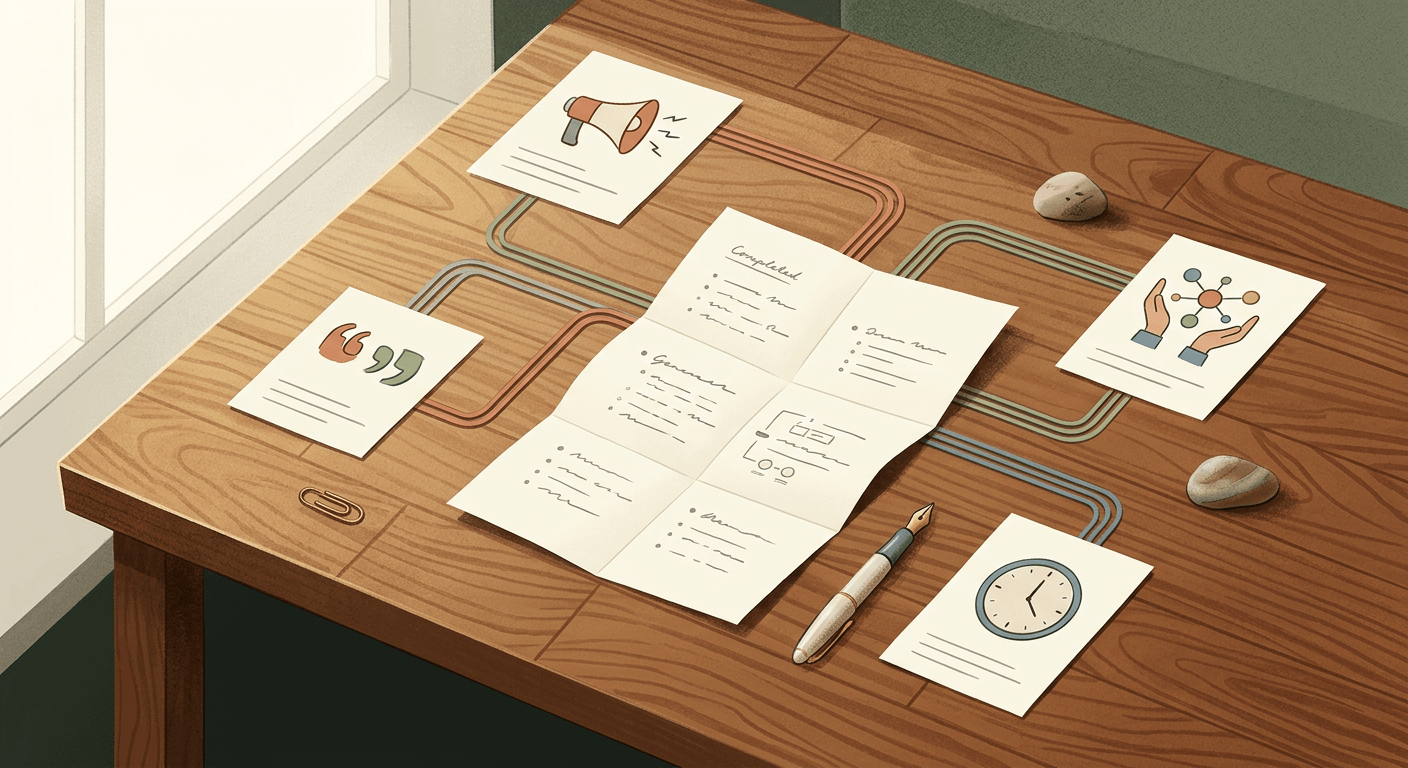
You publish one solid blog post, then get stuck trying to promote it without writing the same caption five different ways. This post will help you repurpose blog post into social media content with AI so you can turn one article into 4 weeks of social posts you can batch in one sitting. It works because you are not asking AI to invent new content from scratch — you are asking it to reshape ideas you already wrote.
What you need before you start
An AI writing tool
Use ChatGPT, Claude, or Google Gemini to extract ideas and draft posts. Free versions can work, but paid plans are usually better for longer blog posts, file handling, and cleaner outputs. Check current pricing before you subscribe because plans and limits change often.
A design tool
Use Canva if you want to turn captions into quote cards, carousels, or simple branded graphics without starting from zero. It is especially useful if you want copy and visuals in the same workflow. We do not currently recommend a specific affiliate product here, but Canva is still a practical choice for most small businesses.
A place to schedule posts
This can be a social scheduler or just a spreadsheet plus native scheduling inside each platform. The point is to leave this session with posts ready to publish, not sitting in a doc you never open again.
- Time required: 60–90 minutes the first time, then 30–45 minutes each month
- Skill level: no technical knowledge needed
Repurpose blog post into social media content with AI in 8 steps
1. Open your finished blog post
Start with a post that already has clear structure. Numbered tips, common mistakes, myths, FAQs, and step-by-step advice are easiest for AI to repurpose.
If your article is vague, too promotional, or mostly opinion without examples, AI will struggle. It will still generate text, but much of it will sound thin and repetitive.
2. Paste the full article into your AI tool
Use the complete post, not just the title or first few paragraphs. AI does a better job when it can see the full argument, examples, and takeaways.
What you should expect: the tool should be able to “read” the article and respond with a useful summary instead of generic marketing filler.
3. Type a prompt that pulls out standalone ideas
Do not ask for “30 social posts” right away. First, ask the AI to identify the strongest individual ideas inside the article.
Read this blog post and list the 12 most useful standalone ideas for a small business owner. Each idea should be specific enough to become its own social post. For each one, include: the core point, who it helps, and what type of post it could become, such as tip, myth, FAQ, story, or promotion.
What you should expect: a list of 10 to 15 usable content angles, not just a summary of the blog post.
4. Copy the best 8 to 16 ideas into a simple list
You do not need daily content from one article. For most small businesses, 8 to 16 posts is plenty for a month if you post 2 to 4 times a week.
A practical mix looks like this:
- 4 educational tip posts
- 4 quote or insight posts
- 2 to 4 FAQ posts
- 2 to 4 promotional posts that link back to the article
- 2 short video ideas
What you should expect: a smaller set of better ideas instead of a giant pile of captions you will never use.
5. Group the ideas by post type
This is where your month starts to feel manageable. You are not looking at “content” anymore — you are looking at a few repeatable post formats.
Use groups like these:
| Post type | What it does | Example from one blog post |
|---|---|---|
| Educational tip | Teaches one useful point | “3 signs your social captions are too vague” |
| Quote or insight | Shares a strong opinion or takeaway | “Most small businesses do promotion backwards” |
| FAQ | Answers a common question | “Can AI write social posts automatically?” |
| Promotional | Drives clicks back to the article | “If you already wrote the blog post, here’s how to get 4 weeks of content from it” |
| Short video | Turns one idea into a script | “One blog post, 3 platforms, 30 minutes” |
What you should expect: a balanced mix so your feed does not sound like nonstop promotion.
6. Set a 4-week posting plan for one platform at a time
This matters more than most people think. If you ask AI to write for “all platforms,” it usually gives you bland posts that feel copied and pasted.
Turn these ideas into a 4-week social content plan for LinkedIn, posting 3 times per week. Put the output in a table with these columns: week, post goal, theme, hook, draft post, CTA, and whether to include a link.
Then repeat for Instagram, Facebook, Threads, X, or whichever channel you actually use.
What you should expect: a simple calendar instead of a long wall of text.
Here is one realistic platform breakdown from a single article:
| Platform | Recommended output from one blog post | Best post style |
|---|---|---|
| 4 educational or story-based posts | Text posts with a clear opinion | |
| Instagram/Facebook | 4 caption + graphic or carousel posts | Visual tips, quotes, mini carousels |
| X or Threads | 6 to 8 short hook-based posts | Contrarian takes, quick lessons, FAQs |
| Reels/Shorts/TikTok | 2 short scripts | One idea, one example, one CTA |
7. Rewrite each post in your brand voice
AI can draft fast, but your audience can still tell when a post sounds fake. You need one editing pass that makes the copy sound like your business.
Write each post in my brand voice: clear, practical, non-hype, and written for small business owners. Keep the tone conversational. Avoid clichés. Add a soft call to action. If a post sounds generic, rewrite it with a specific example.
If you already have past posts that sound like you, paste 2 or 3 into the chat first. That gives the tool something concrete to imitate.
What you should expect: fewer robotic phrases and more posts that sound like something you would actually publish.
8. Copy one idea and adapt it for different platforms
This is how you stretch one blog point without sounding repetitive. The same idea can take on different shapes depending on where you post it.
For example, if your blog post says “one article can become 12 social ideas,” AI can turn that into:
- A LinkedIn post about why most businesses underuse their blog content
- An Instagram carousel with 5 ways to reuse one article
- A short Threads post with a sharp hook
- A 30-second Reel script with one example
Turn this idea into:
- a LinkedIn post for small business owners
- a 5-slide Instagram carousel
- a 30-second Reel script
- a Threads post under 500 characters
Keep the message consistent, but adapt the format and tone for each platform.
What you should expect: platform-specific drafts that feel native instead of recycled.
Make AI-written posts sound less like AI
The fastest fix is to add one real detail to every post. That could be a client question, a mistake you made, a result you saw, or a plain-English example.
Here is the difference:
- Generic: “Repurposing content helps you stay consistent.”
- Better: “If you only publish one blog post a month, that one article can still give you 3 LinkedIn posts, 2 Instagram carousels, and a short video script.”
Use this review checklist before you approve anything:
- Remove repeated phrases or similar openings
- Check that any facts or claims still match the original article
- Add one personal example where possible
- Make sure each post has one purpose only:
- teach
- start a conversation
- drive clicks
If one post tries to do all three, it will usually do none of them well.
Repurpose blog post into social media content with AI for visuals too
Text alone is useful, but some posts will perform better with a visual. This is where Canva is handy.
You can ask your AI tool to generate the structure first, then move it into Canva.
Turn this caption into a 5-slide Instagram carousel. For each slide, write a short headline and one supporting line. Keep each slide under 20 words.
For a quote card:
Pull the strongest one-sentence insight from this post and write 3 short quote-card options for a small business audience.
For a short video:
Write a 30-second video script with this structure: hook, one practical lesson, one example, soft CTA.
What you should expect: simple, visual-ready copy you can drop into templates instead of designing from a blank page.
Review and schedule everything in one sitting
Your goal is not just to generate posts. Your goal is to leave with content scheduled.
Create a content matrix like this:
| Date | Platform | Theme | Hook | Draft caption | Image idea | CTA | Link |
|---|---|---|---|---|---|---|---|
| May 6 | Educational | “Most businesses waste their blog posts” | Draft text here | None or simple brand graphic | Comment with a question | No | |
| May 9 | Tips carousel | “5 ways to get more from one article” | Draft caption here | 5-slide carousel | Save this post | No | |
| May 13 | Promotion | “One post can become a month of content” | Draft text here | Blog screenshot | Read the full article | Yes |
This format keeps the work practical. You are not staring at “content ideas.” You are looking at scheduled assets with a purpose.
The easiest monthly workflow to repeat next time
Once you do this once, save your prompt sequence and reuse it every month.
Here is the simple 3-pass system:
Extract ideas
Ask AI to pull 12 useful standalone ideas from your blog post.Build the calendar
Ask AI to turn those ideas into a 4-week plan for one platform at a time.Refine the voice
Ask AI to rewrite each post in your tone with a soft CTA and a real example.
That is the whole system. It is one of the easiest ways to repurpose blog post into social media content with AI without turning content marketing into a second job.
When something goes wrong
AI gives you 12 posts that all sound the same
This usually happens when your prompt is too broad. Go back and ask for different angles on the same idea, such as a checklist, myth, founder story, customer mistake, FAQ, or contrarian take.
The posts feel too generic for your business
Give the AI examples of your past writing and tell it exactly who the audience is. “Small business owners” is better than “professionals,” and “clear, practical, non-hype” is better than “good brand voice.”
You end up with captions but no publishable plan
Stop generating more copy and move to a content matrix. If you do not assign each post a date, platform, visual, and CTA, the work stays half-finished.
What to do next
If your prompts are still producing bland content, read how to write better prompts for marketing tasks. Better prompts fix most repurposing problems faster than switching tools.
FAQ
Can AI turn a blog post into social media posts automatically?
Yes, but not well enough to post without checking it. AI can extract ideas, draft captions, suggest hooks, and create a calendar, but you still need to review facts, tone, and whether the post sounds like your business.
How many social posts can I realistically get from one blog post?
For most small businesses, 8 to 16 posts is realistic. That is enough for 2 to 4 posts per week across one or two platforms without stretching one article so far that every post feels recycled.
What is the best AI tool for repurposing blog content into social media posts?
ChatGPT is a good choice if you want one tool that can brainstorm, rewrite, and organize a content plan. Claude is often strong with long articles and structured outputs. Google Gemini can be useful if you already work inside Google Docs and Workspace. The best option usually depends on where your content already lives and how you like to work.
How do I make AI social media captions sound like my brand?
Give the AI 2 or 3 examples of posts you have already written, then tell it what tone to keep. After that, edit each draft to add one real example, remove clichés, and cut any sentence you would never say out loud.
Can I use the same AI-generated post on every social platform?
You can, but it usually performs worse. A LinkedIn post, Instagram carousel, and short video script should all come from the same idea, but they should not read like the same post pasted into three places.
Read Next
Using AI to create a simple content repurposing system that turns one blog post into a week of social content
MarketingHow to use AI to generate a week of short-form video scripts from your existing blog posts or service pages
MarketingUsing AI to monitor your top competitors' websites and social pages and alert you when they change pricing or promotions