Using AI to instantly translate your daily schedules for a multilingual workforce
Learn how to translate shift notes with AI using a fast workflow that keeps names, times, and safety details accurate for multilingual teams.
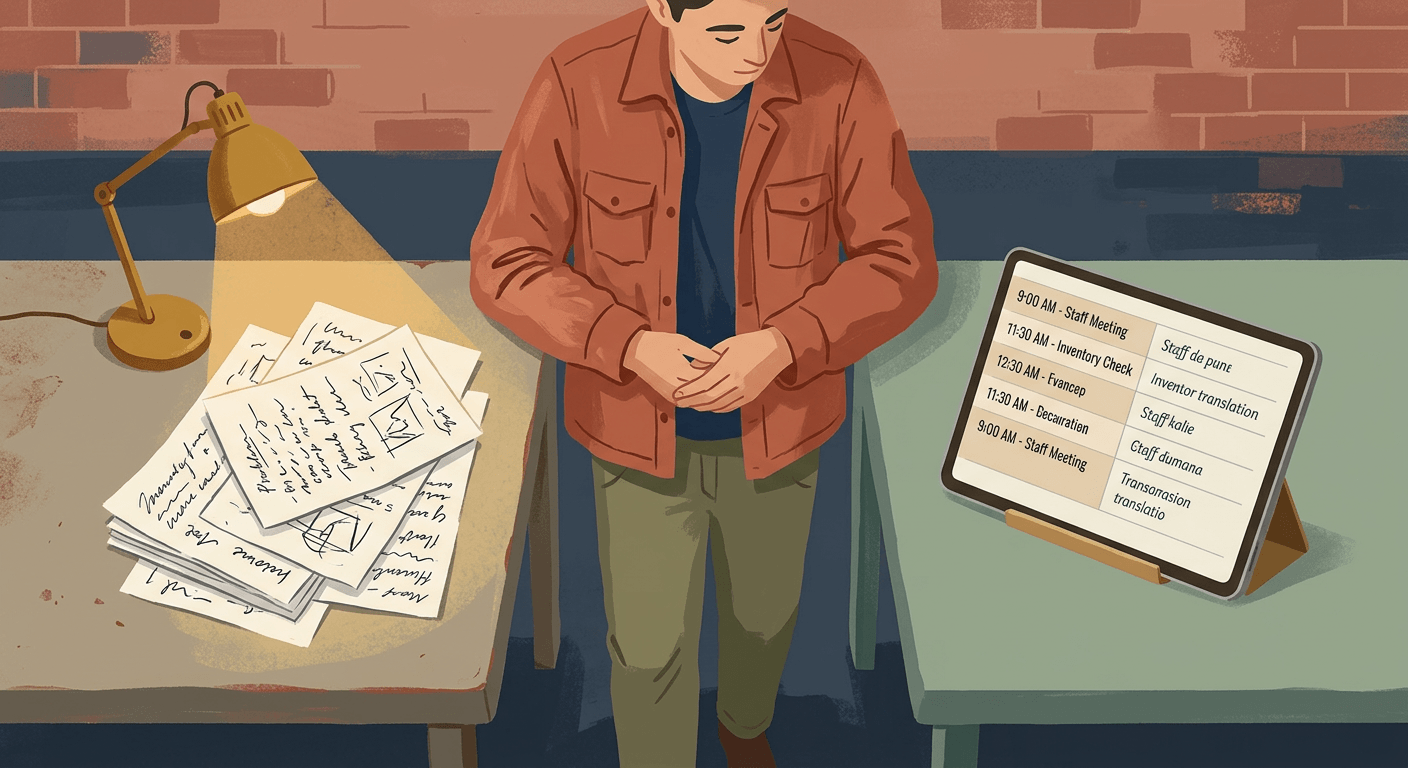
title: "How to Translate Shift Notes for Multilingual Teams" description: "Learn how to build a repeatable 5-minute workflow to translate daily shift schedules and staff notes accurately using AI tools."
How to Translate Shift Notes Using AI
If you need to know how to translate shift notes quickly for a multilingual crew, the goal is not perfect phrasing. It is sending clear, accurate instructions your team can understand the first time. This guide shows you how to translate shift notes accurately and consistently so your team understands the assignment without confusion. Using a standardized workflow keeps names and times intact while turning messy supervisor notes into clear bilingual instructions.
What you need before you start to translate shift notes
- DeepL (a highly accurate text translator, free tier available) or ChatGPT (an AI assistant that can rewrite and format text; ChatGPT Plus at $20/month is often recommended for day-to-day business use).
- Time required: 15 minutes to set up your template, then 2 to 5 minutes per daily message.
- Skill level: No technical knowledge needed.
How to translate shift notes for employees
Create a standard message template in your notes app or word processor. AI translation works best when the input is highly structured and consistent. Build a blank template that includes specific fields like Employee Name, Shift Time, Location, Tasks, Safety Note, and Manager Contact. You should see a blank framework that you can reuse every morning.
Review the privacy and data handling settings of your chosen AI tool. Privacy defaults and retention settings vary by platform and plan, so check the settings menu and documentation before pasting employee phone numbers, addresses, or medical incident details. You should see a clear indication of how your business data is handled.
Type today's schedule into the template using plain, complete sentences. Avoid relying on voice notes to dictate schedules without reading our guide on how to use AI to turn voice notes into task lists, because speech-to-text software can mishear technical terms, names, and addresses. Do not use workplace abbreviations like "line 2" or "truck B" unless they are universally understood. You should see a clearly written English schedule that leaves no room for misinterpretation.
Select either ChatGPT or DeepL based on the condition of your original notes. If you write perfectly clean notes, DeepL handles translation beautifully. If your notes are scattered, ChatGPT can reorganize them while translating. Review the comparison below to pick the best option.
| Feature | ChatGPT | DeepL |
|---|---|---|
| Price | Free tier; Plus $20/month | Free tier; paid plans vary |
| Best for | Rewriting messy supervisor notes | Fast, high-quality translation |
| Main limitation | Can change meaning if prompt is vague | Does not format or clean up text |
| Glossary feature | Requires detailed daily prompting | Built-in on some paid plans |
You should see the login screen for the tool that best fits your workflow.
Open a new session or chat window in your chosen translation tool. Start fresh each day rather than using one long, continuous chat thread. This prevents the AI from getting confused by yesterday's schedule or mixing up shift assignments. You should see a clean, empty text input box.
Paste your completed schedule template into the text box. Check that all the formatting carried over correctly from your notes app. You should see your full English text sitting in the input field.
Type specific instructions below your text if you are using ChatGPT. You must tell the AI exactly how to behave so it does not alter your schedule times or rewrite your tasks. Use a highly specific prompt that locks in your critical details.
Translate this into Mexican Spanish for restaurant staff, keep all times and names exactly the same, use short sentences, and list tasks as bullets.
You should see your prompt sitting directly underneath your schedule text.
Click the generate or translate button to process your schedule. The tool will take a few seconds to analyze the text and apply your formatting rules. You should see the translated version of your schedule appear on the screen.
Review the translated output closely to verify that critical operational details remain intact. Scan the text specifically for employee names, addresses, and shift hours to ensure they perfectly match your original text. Pay special attention to equipment numbers, as a translation that accidentally changes "Truck 12" to "Truck 20" will ruin your morning dispatch. You should see accurate numbers and names in the final translation.
Copy both the original English text and the translated text. Paste both versions into your team messaging app, SMS thread, or WhatsApp group. Sending both versions allows employees who know some English to cross-reference familiar operational terms. Your team should see a single message containing both languages clearly separated.
When something goes wrong with translated shift notes
- Scenario 1: The AI mistranslates safety warnings and emergency procedures. To translate safety warnings with AI, AI is a useful first step, but it fails when dealing with high-stakes compliance. Relying on an automated tool to translate lockout/tagout procedures or chemical hazard warnings creates massive liability. A slight phrasing error can lead to a severe workplace accident.
- The fix: Use AI strictly as a first-draft tool for safety communication. Before publishing any hazard-related text, a bilingual supervisor must verify the exact wording. For permanent safety signs, pay for a certified human translation.
- Scenario 2: Employee names and locations get translated literally. Translation tools can sometimes mishandle proper nouns. The tool might change an employee named "Chase" into the Spanish word for pursuing, or translate "Apple Street" into the literal word for the fruit. This creates immediate confusion for crews trying to figure out who is working.
- The fix: Always write names and addresses clearly. Explicitly state in your prompt that the AI should "leave names and addresses in English."
- Scenario 3: Recurring job titles translate differently every day. A common frustration when you translate daily schedule for employees is inconsistency. The AI might translate "prep cook" one way on Monday and a completely different way on Tuesday. This lack of standardization makes reading the schedule difficult.
What to do next
Set up your standard schedule template in a shared document today. Once your daily format is locked in, translation becomes a two-minute task instead of a headache. Next, read how to use AI to write SOPs your team will actually follow to start making your larger process documents just as clear.
FAQ
What is the best way to translate a shift schedule for employees? The best way is to write the schedule using a standardized template in plain English, then process it through an AI tool like DeepL. Sending the final message in both English and the target language helps employees verify times and names. This bilingual delivery reduces operational confusion immediately.
Can I translate employee schedule automatically using AI? Yes, you can automate parts of the process, but a manager should always spot-check the results. While AI tools handle routine shift changes well, they sometimes alter names or shift times by mistake. You always need human eyes to catch these critical operational errors before sending the message.
Is DeepL or ChatGPT better for translating work instructions? DeepL is better for high-quality text translation if your original notes are already clean. ChatGPT is better if your notes are messy and you need the AI to format the schedule into bullet points while translating. Check out our guide on the best AI tools for restaurant managers handling daily operations for more ideas.
How do I translate safety warnings? When you translate safety warnings, AI tools handle everyday language well but fail at strict compliance. Never rely on an automated tool for chemical hazard warnings or injury reporting protocols. Pay for a certified human translation for any permanent safety signs or official HR documents.
Should I buy bilingual restaurant schedule software instead? Dedicated bilingual restaurant schedule software exists, but many platforms rely on the same machine translation engines under the hood. Using tools like ChatGPT or DeepL directly gives you more control over the tone. It also lets you use the specific workplace vocabulary your team actually understands.
Read Next
How to use AI to summarize long supplier or vendor contracts so you actually know what you're signing
OperationsUsing AI to write the listing description and buyer FAQ for selling your small business or a business asset
OperationsHow local service businesses are using AI chatbots on their website to book appointments while they sleep