Using AI to write overdue invoice follow-up emails that actually get paid
Stop letting unpaid invoices hurt your cash flow. Learn how to quickly create the perfect AI email template for overdue invoice follow up in under ten minutes.
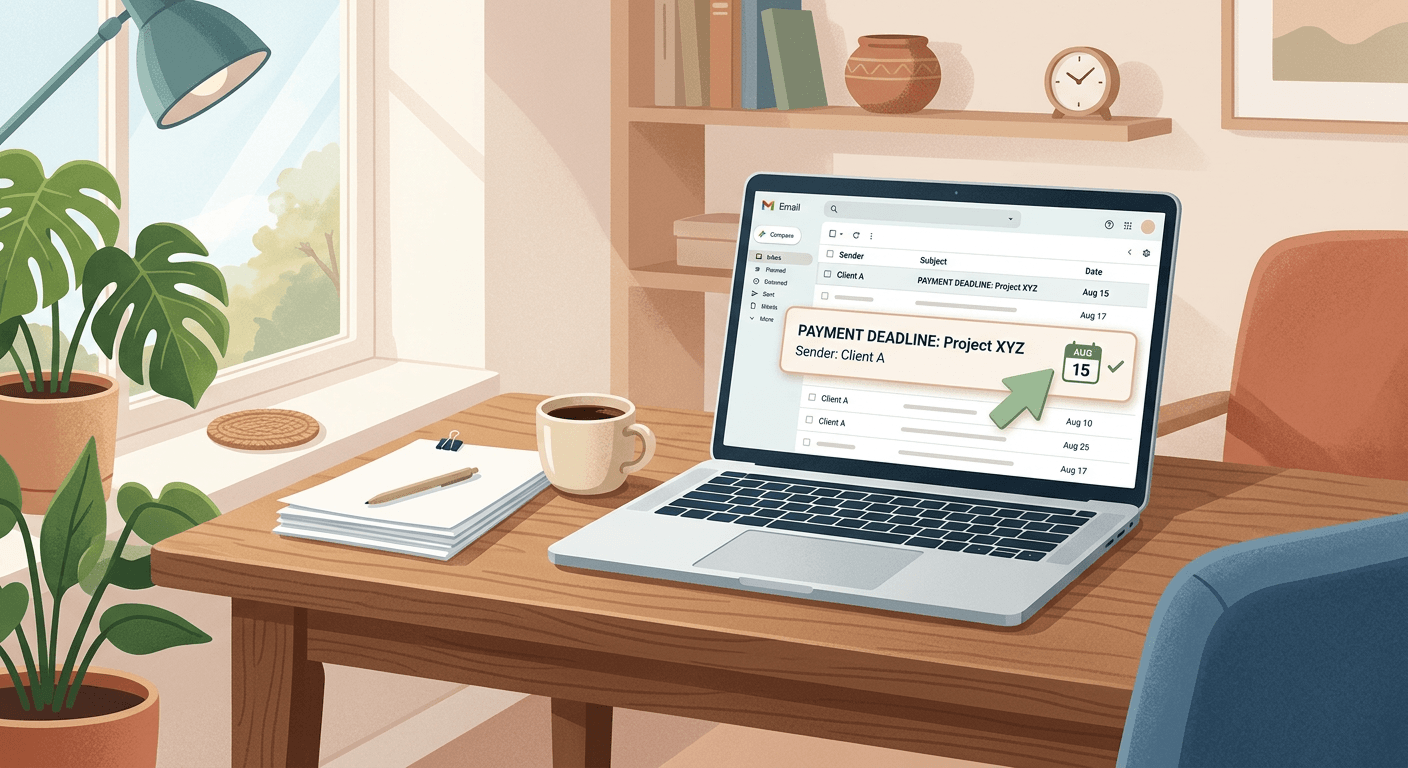
Unpaid invoices choke your cash flow, but asking for money is inherently awkward. This guide gives you an AI email template overdue invoice follow up system to generate the perfect payment reminder without sounding desperate or offending your clients. Personalized, context-aware reminders actually get paid faster because they read exactly like you took the time to write them manually.
What you need for an AI email template overdue invoice follow up
- Claude Sonnet 4.5 (advanced AI chatbot, free tier available) or ChatGPT (popular AI assistant, free tier available)
- Time required: 10 minutes to set up your system, then 2 minutes per email
- Skill level: No technical knowledge needed
| Feature | Claude Sonnet 4.5 | ChatGPT (GPT-5.2) |
|---|---|---|
| Price | $20/month for Pro | $20/month for Plus |
| Free tier | Yes, with message limits | Yes, standard version free |
| Ease of use | Very easy | Very easy |
| Best for | Delicate client relationships | Strict corporate communication |
| Main limitation | Requires copying and pasting | Tone requires heavy editing |
Generate your AI email template overdue invoice follow up
If you are wondering how to write an invoice chaser email with AI, you cannot rely on vague requests. You must use a structured approach when you prompt AI to write a late invoice email.
Open your preferred AI tool and start a blank chat window. Claude Sonnet 4.5 is currently the best choice for this task in early 2026 because it naturally understands human empathy. If you use major accounting software like Xero or QuickBooks Online, you can also open their integrated AI assistants right inside your invoice dashboard. You should see a blank text input box ready for your instructions.
Define your specific scenario using the ART framework before you start typing. This framework prevents the AI from guessing how you normally speak to your customers. Prepare these three variables:
- Age: Exactly how many days late the payment is.
- Relationship: Friendly regular, strict corporate, or new client.
- Tone: Gentle nudge, direct check-in, or firm demand. You will have a clear, three-part outline describing your exact billing situation.
- Paste a tailored prompt for a slightly late 3-day reminder to give the client the benefit of the doubt. When you need a ChatGPT payment reminder email that small business clients will actually appreciate, focus the prompt on assuming they simply missed the message. This maintains goodwill while keeping your cash flow moving. Replace the bracketed information with your own details.
I need to write an email to a client whose invoice is 3 days overdue. My relationship with them is [friendly regular client]. The tone should be a [gentle nudge], assuming they just forgot or missed the original email. Please write a short, polite email asking for an update on invoice [Invoice Number] for [Amount].
You should expect the AI to generate a brief, friendly message. It will ask for the money clearly without sounding desperate or aggressive.
- Paste a different prompt for a 14-day reminder when the polite nudge goes ignored. This prompt shifts the focus from assuming they forgot to directly asking if there is a problem. This is a critical step when generating an AI overdue payment email freelancer template for a newer client.
I need an email for a client whose invoice is 14 days overdue. My relationship with them is [new client]. The tone should be a [direct check-in]. Ask if there are any issues with the invoice document or their payment method. Keep it professional and clear regarding invoice [Invoice Number] for [Amount].
You should see a draft that feels more formal and requires a direct response about the payment status.
- Paste a strict prompt for a 30-day reminder when you need to stop work. A severely late invoice requires you to seek a definitive payment date and explicitly state that services are paused. Use this prompt for serious delays:
I need to write an email to a client whose invoice is 30 days overdue. My relationship with them is [strict corporate client]. The tone should be a [firm demand]. We need a definitive payment date, and we are pausing all future services until this invoice is cleared. Write a professional but strict email regarding invoice [Invoice Number] for [Amount].
You should see a much firmer draft that clearly outlines the business consequences of continued non-payment.
Verify every single dollar amount, due date, and client name in the AI output against your actual bookkeeping records. AI models frequently hallucinate facts and will confidently present incorrect numbers. They will completely botch the math if you ask them to calculate compounding late fees. Do not rely on the machine to summarize your complex invoice history accurately. Manually type your final balance into the text to avoid legal or accounting headaches. You will have a mathematically accurate, professional overdue invoice email, AI generated and verified by you.
Copy the verified text into your standard email client and click send. Do not automate this final step with an integration tool like Zapier. Letting an unmonitored AI hit send in the background without human review is highly risky. If a client pays their bill at 9:00 AM and your automated AI fires off a harsh 30-day notice at 9:05 AM, you risk permanently damaging a good relationship. You will see your polished, context-aware email sitting safely in your sent folder.
When something goes wrong
The AI invents a late fee that does not exist in your contract. AI tools are notoriously bad at math and will hallucinate standard industry late fees if you give them vague instructions. Delete the hallucinated math from your prompt entirely. Manually type the final balance into the finished email draft yourself.
Your draft sounds too aggressive for a long-term client. Even with a good prompt, the AI might default to harsh corporate jargon. Fix this by replying directly to the AI with a specific correction: "Make this softer, remove the word delinquent, and rewrite it to sound like I am talking to a friend."
The AI includes sensitive client banking details in the output. You accidentally pasted a full, unredacted invoice into a public model, which is a massive data privacy risk. Delete the chat immediately to remove it from your visible history. Rewrite your prompt using generic placeholders like [Client Name] and [Amount] instead of exact account numbers.
What to do next
You need to ensure your client data stays completely safe when you start relying on these chatbots. Pasting the wrong document into a public model can violate your client's trust and expose their financial details. Read our complete guide on how to safely use AI with sensitive data before you copy another invoice into a chat window.
FAQ
How do I ask for an overdue payment without sounding rude? Use the ART framework to carefully guide your AI's tone. State exactly how many days late the invoice is, define your exact relationship with the client, and tell the tool to adopt a gentle tone. This guarantees your reminder reads like a polite nudge rather than a harsh corporate demand.
Is it safe to put my client's invoice details into ChatGPT? No, it is never safe to paste sensitive financial data into free public AI models. These systems train their future models on user inputs, meaning your client's exact account numbers could theoretically be exposed. Always use generic placeholders like [Client Name] and [Amount] instead.
Can QuickBooks or Xero use AI to write my reminder emails automatically? Yes. Major accounting platforms like Xero and QuickBooks Online now include native AI assistants directly within their dashboards. These built-in tools can draft context-aware reminder emails without forcing you to copy and paste text back and forth between a separate chatbot.
What is the best AI tool for writing professional emails in 2026? Claude Sonnet 4.5 is currently the best model for writing professional and sensitive business emails. It naturally excels at adopting a nuanced, human tone. Other popular tools often default to a robotic voice that requires heavy editing before you can send the message to a client.
How many days late should an invoice be before I send a reminder? You should send your first gentle reminder exactly three days after the original due date. Send a slightly firmer follow-up at 14 days, and a strict notice at 30 days. Consistent, timely communication prevents unpaid invoices from severely damaging your cash flow.