Using AI to build a simple re-engagement campaign for customers who haven't bought from you in six months or more
AI win back inactive customers with email sequences written in 15 minutes. This step-by-step guide shows small business owners exactly how to do it.
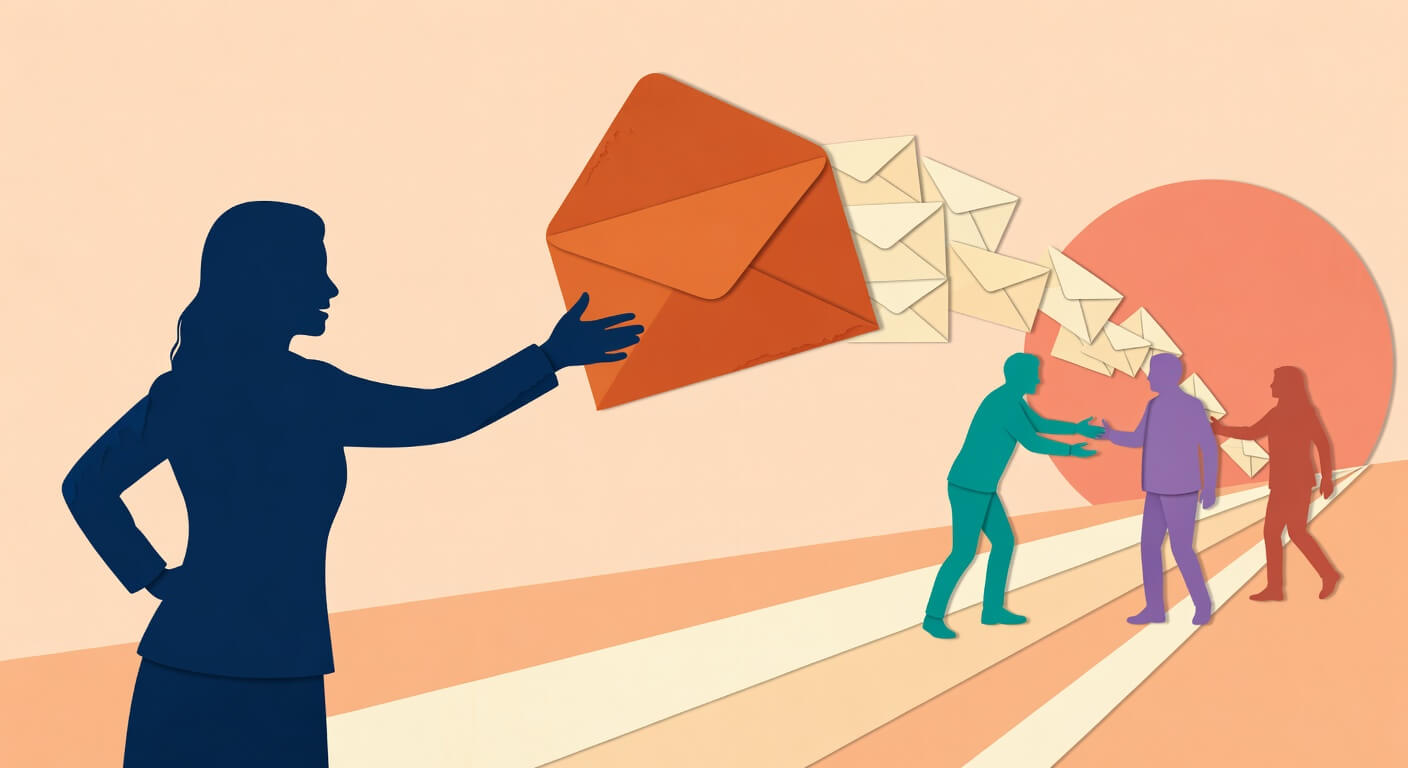
You opened your customer list last week, scrolled through it, and realized half the people in there haven't bought from you in over a year. You remember them. Some were regulars. And somewhere between then and now, life happened and they just... drifted. Getting them back is cheaper than finding new customers — a lot cheaper — and AI can write the emails that do it in about 15 minutes. Using AI to win back inactive customers is one of the highest-return tasks a small business owner can hand off to a tool like ChatGPT.
What you need before you start
ChatGPT{:target="_blank"} — a text-based AI tool where you type a request and it writes content back to you; the free version works fine for this, and the paid plan (ChatGPT Plus) runs about $20/month if you want the faster GPT-4o model.
Your customer list — exported as a spreadsheet from whatever you use to track sales (Shopify, Square, your booking software, even a basic spreadsheet you maintain yourself).
An email platform — Mailchimp{:target="_blank"} has a free tier up to 500 contacts, Klaviyo{:target="_blank"} is free up to 250 contacts and is excellent for e-commerce, and ActiveCampaign{:target="_blank"} starts around $15/month for small lists.
Time required: About 60–90 minutes total, spread across two short sessions — one to prep your list and build the prompt, one to load the emails and schedule them.
Skill level: If you can write an email and use a spreadsheet to sort a column, you've got everything you need.
Sort your dormant customer list before you write a single word
This step saves you from sending "we miss you!" to someone who bought from you three weeks ago. Trust me, that's awkward.
Open your customer list in Google Sheets{:target="_blank"} or Excel — whatever format you exported it in.
Find the column that shows each customer's last purchase date. In most exports it'll be labeled something like "Last Order Date" or "Last Visit."
Sort that column from oldest to newest so your most inactive customers rise to the top.
Ask ChatGPT to help you write a filter rule in plain English if you're not sure how. Open ChatGPT and type something like:
"I have a spreadsheet in Google Sheets with customer names in column A and last purchase dates in column D. Show me step-by-step how to filter so I only see customers whose last purchase was more than 180 days ago."
ChatGPT will give you exact instructions for your spreadsheet tool — no formula knowledge required.
Create two groups once you have your filtered list: customers inactive for 6–12 months, and customers inactive for 12+ months. These groups get slightly different messaging — the longer someone's been gone, the softer your opener needs to be.
Remove anyone who hasn't purchased in 2+ years and hasn't explicitly re-confirmed they want to hear from you. This protects your email deliverability and keeps you on the right side of CAN-SPAM{:target="_blank"} and GDPR rules.
One hour of list cleanup makes every email you send more relevant. It's the difference between a message that feels personal and one that feels like a mail merge from 2009.
Build the AI email prompt that writes your full re-engagement sequence
Generic prompts get generic emails. The three things that make AI output actually usable for your business are: a description of what you do, a specific type of customer or purchase, and the timeframe of inactivity. Give it those three things and it'll write like it knows your business.
Here's a prompt structure that works. Fill in the brackets before you paste it:
"You are a helpful email copywriter. Write a 5-email re-engagement sequence for my small business. Here are the details:
My business: [Describe what you do in 2–3 sentences — e.g., "I run a residential cleaning service in Austin, Texas. Most of my clients book recurring cleans but some have dropped to one-off bookings or stopped entirely."]
Customer segment: [Describe who you're emailing — e.g., "Customers who used to book monthly but haven't booked in 6–12 months."]
Goal: Win back their business with a warm, non-pushy sequence.
Sequence structure:
- Email 1 (Day 1): 'We miss you' — warm, no ask, just reconnecting
- Email 2 (Day 6): Remind them of the value they got from us, no hard sell
- Email 3 (Day 12): Offer something specific — [describe what you can offer, e.g., "10% off their next booking" or "a free add-on"]
- Email 4 (Day 18): Social proof or something new — a testimonial, a seasonal service, or a recent improvement
- Email 5 (Day 24): Last chance — mention the offer expires in 7 days
Tone: Warm, human, like a message from the owner. Not salesy. First name personalisation on every subject line.
For each email, write: subject line (plus 3 alternatives for A/B testing), preview text, and the full email body. Keep each email under 150 words."
Paste that into ChatGPT and let it run. What comes back will be a complete, ready-to-edit 5-email sequence — the kind of thing an agency would charge thousands of dollars to produce. Not bad for 15 minutes.
The five-email structure that actually reactivates customers
Research on win-back campaigns — including data from Klaviyo's email benchmarks{:target="_blank"} and Mailchimp's industry data{:target="_blank"} — consistently shows that a single email doesn't cut it. Customers who lapsed have a lot of other things competing for their attention. A sequence of 3–5 emails, spaced 5–10 days apart, dramatically outperforms a single "come back" message.
Here's what each email in the AI-generated sequence should do:
- Email 1: Warm opener. No offer, no pressure. Just acknowledging the gap and saying you're still there. Think of it like bumping into an old regular at the farmers market — you say hi, not "buy something."
- Email 2: Value reminder. Reconnect them with what they used to love about you. A cleaning client hears about the relief of walking into a clean house. A restaurant subscriber hears about your new seasonal menu.
- Email 3: The offer. This is where you give them a reason to act — but it doesn't have to be a discount. For service businesses especially, a free add-on or a priority booking slot often performs just as well and protects your margins.
- Email 4: Social proof or something new. A testimonial from a happy recent client. A new service they haven't tried. Something that says "this business is still alive and worth your time."
- Email 5: The close. Make it clear the offer expires. "This expires Friday" consistently outperforms "anytime you're ready" in click-through rates. Give them a reason to act now, not someday.
Offers, subject lines, and timing: getting the details right
After ChatGPT gives you the sequence, go back and ask it to improve the parts you're unsure about. You can run separate prompts like:
"Give me 5 more subject line options for a re-engagement email from a small yoga studio. The customer hasn't booked a class in 8 months. Make some use curiosity and some use the customer's first name."
Or:
"Rewrite Email 3 assuming I don't want to offer a discount. What else could I offer that would still feel valuable to a past customer of a home renovation contractor?"
AI is good at generating options. Use it like a brainstorming partner, not a one-and-done writer. The goal is to come away with subject lines that feel like something a real person wrote, not a template.
How to load and send the sequence without a big platform
Once your emails are written and edited, you don't need anything fancy to send them.
Import your filtered dormant customer list into Mailchimp, Klaviyo, or ActiveCampaign as a CSV file. Every platform has a straightforward import button — usually under "Audience" or "Contacts."
Create a new campaign — most platforms call this an "automation" or "sequence." You're setting up 5 emails to go out on a schedule automatically.
Paste each email into the sequence builder, set the days between sends (5–10 days works well), and tag the sequence so you can track opens and clicks separately from your regular emails.
Test it by sending each email to yourself first. Read it on your phone. That's how most of your customers will see it.
Set your start date and let it run.
Most small business email platforms make this straightforward. If you get stuck on a specific step, ask ChatGPT: "How do I set up a 5-email drip sequence in Mailchimp?" — it'll walk you through the current interface in plain language.
When something goes wrong
The emails sound stiff and corporate, not like you. This happens when the prompt doesn't include enough information about your voice and business. Go back and add a line like: "Write this in a casual, friendly tone — like an email from the owner, not a marketing department." Then ask ChatGPT to "rewrite Email 1 to sound warmer and more conversational."
Your open rates are low across the whole sequence. This usually means the subject lines aren't connecting. Ask ChatGPT to generate 10 more subject line variations for your weakest email, then A/B test two options in your email platform. Small tweaks here make a real difference.
You're not sure if a contact should be on the list. When in doubt, leave them out. If someone's been inactive for 2+ years and you can't confirm they still opted in to hear from you, remove them before you send. A smaller, cleaner list protects your sender reputation and means your emails actually land in inboxes instead of spam folders.
What to do next
Once your sequence is live, the natural next step is to set it up so it runs automatically whenever someone hits that 6-month inactive threshold — not just as a one-time campaign. If you want to explore how to connect your customer data to an automated trigger, we've got a walkthrough on building simple email automations for small businesses without coding.
FAQ
Do I need to offer a discount to get dormant customers back? Not necessarily. Discounts work well for product businesses, but for service-based businesses — coaches, cleaners, contractors, consultants — a "value reminder" email that reconnects the customer with what they loved about working with you often performs just as well. Protecting your margin matters more than chasing a click with a coupon.
How many dormant customers do I need to make a win-back email sequence worth it? Even a list of 50 past customers is worth a sequence. If even 10–15% respond (which is realistic for a warm, personalised sequence sent to people who chose you once already), that's real revenue that cost you nothing but 90 minutes of setup.
What if I don't have an email list — just phone numbers or a booking system? Start by exporting whatever data you have from your booking or POS (point-of-sale) system. Most tools — Square, Fresha, Mindbody, HoneyBook — let you export a customer list as a CSV file. If you have email addresses in there, you have a list. If you only have phone numbers, SMS platforms like Klaviyo{:target="_blank"} and Postscript{:target="_blank"} let you run similar sequences via text.
Is it okay to email someone who hasn't bought in a year? Generally yes, as long as they opted in to your list at some point and haven't unsubscribed. The legal threshold under CAN-SPAM and most GDPR interpretations is that the original consent was valid. Where it gets complicated is the 2+ year mark — at that point, consider a single re-consent email before running the full sequence.
What if someone unsubscribes from the win-back sequence? That's fine — and expected. Win-back campaigns typically see slightly higher unsubscribe rates than regular emails (around 0.5–1.2% per send). An unsubscribe isn't a failure; it's a clean signal that this person has moved on. A clean list of engaged contacts is worth far more than a bloated list full of people who aren't opening anything.
Prompts from this article
Filter Inactive Customers in Google Sheets
Use this when you have a customer list exported from your sales or booking system and need to isolate customers who haven't purchased in the last six months, without knowing how to write spreadsheet formulas yourself.
Write a 5-Email Customer Win-Back Sequence
Use this to generate a complete five-email win-back sequence for dormant customers. Fill in your business description, the customer segment you're targeting, and the offer you plan to make before pasting into ChatGPT.
Generate Re-Engagement Email Subject Lines
Use this after generating your initial email sequence when you want more subject line variety to A/B test, or when the AI-generated subject lines don't feel right for your business. Swap in your own business type and inactivity period.
Win-Back Offer Ideas Without a Discount
Use this when you want to make an offer in your win-back sequence but a discount doesn't suit your business model or margins. Replace the business type with your own to get relevant alternative offer ideas.
Set Up a Drip Sequence in Mailchimp
Use this if you get stuck loading your written emails into your email platform and need step-by-step guidance on setting up the automation without hunting through help documentation.
Rewrite an Email to Sound More Conversational
Use this after your initial sequence is generated if the emails sound stiff or corporate rather than like a message from a real person. Reference the specific email number you want revised.
Read Next
How to use AI to turn your customer discovery call notes into a repeatable sales script your whole team can use without sales training
MarketingHow to use AI to prepare a simple brief before you brief a social media manager or content agency so you stop paying for content that misses
MarketingHow to use AI to write a simple email sequence that re-engages your cold subscriber list before you delete it and start over