How to use AI to write a simple supplier onboarding checklist and welcome email so new vendors understand your process from day one
Supplier onboarding checklist small business template — build yours with AI in 30 minutes. Includes a supplier welcome email prompt and finalization steps.
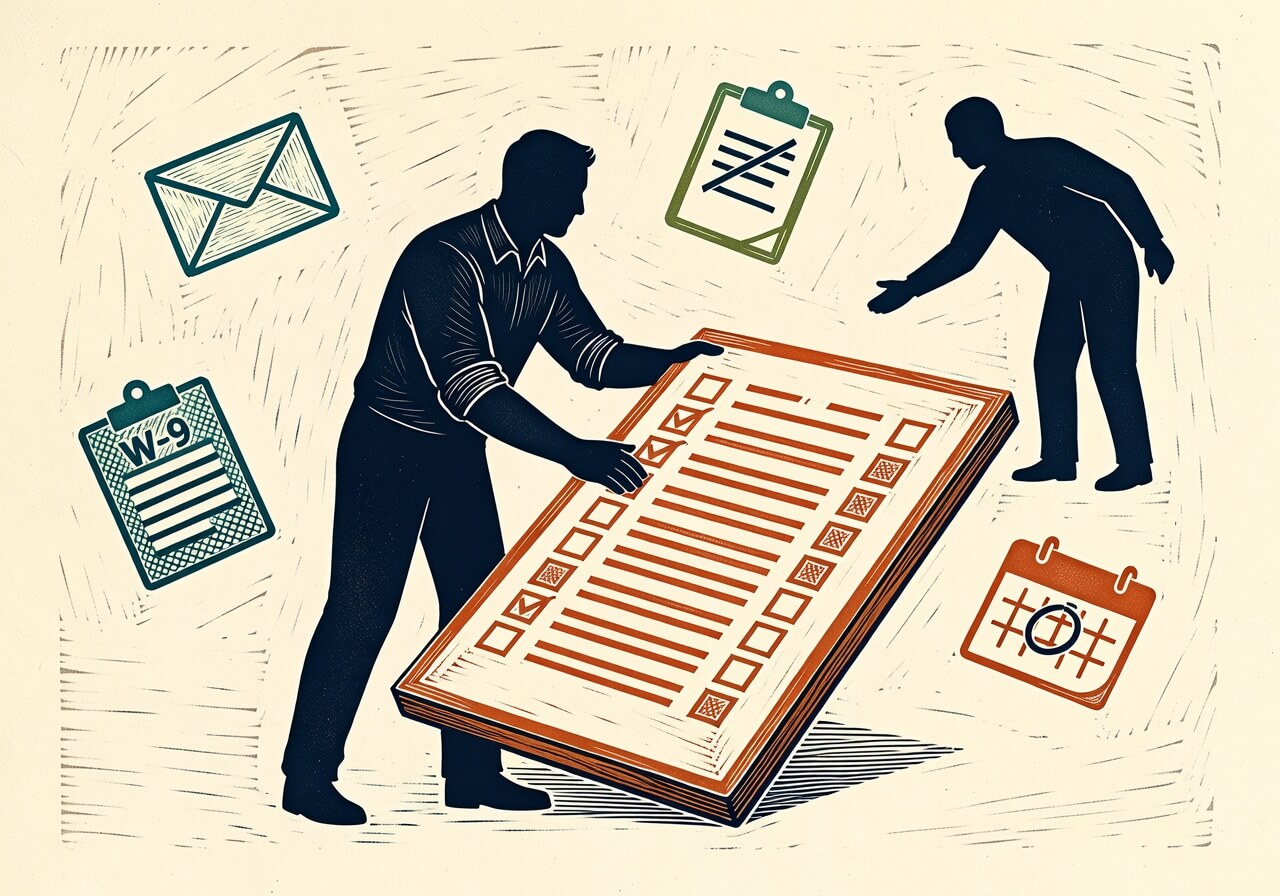
Fewer than 30% of small businesses have a documented supplier onboarding workflow, according to SCORE's small business operations survey{:target="_blank"} — and supply chain friction costs small and mid-sized businesses an estimated $184 billion annually{:target="_blank"} in lost revenue, much of it traceable to expectations that were never set in writing. This post walks you through using AI to build a supplier onboarding checklist small business template you can actually use: an internal checklist and an external welcome email, both tailored to your actual business. A 30–45 minute investment in getting these right will eliminate the back-and-forth that dominates the first 30 days of most new vendor relationships — APICS estimates a well-structured welcome communication alone reduces early-stage friction by 40–60%{:target="_blank"}.
What you need before you start
ChatGPT{:target="_blank"} — AI assistant capable of generating structured documents from plain-language descriptions. The free tier (GPT-4o access varies by account; confirm at OpenAI's pricing page{:target="_blank"}) covers this use case entirely. Claude 3.7 Sonnet{:target="_blank"} (Anthropic, released February 2025) works equally well — free tier available, Pro plan at $20/month as of June 2025.
Time required: 20–30 minutes for basic two-document setup. Add another 30–60 minutes if you want to refine the documents against an existing PO template or email thread.
Skill level: No technical background required. You need to be able to describe your business clearly in plain language — that's the only prerequisite.
Why most small businesses handle supplier onboarding informally — and what it costs them
The SBA reports{:target="_blank"} that 99.9% of U.S. businesses are small businesses, yet almost none have a dedicated procurement function. Supplier onboarding defaults to email threads, phone calls, and institutional memory — meaning when the person who "knows how we do things with that vendor" leaves, the knowledge leaves with them.
The downstream costs are specific and measurable. Invoice errors accumulate when payment terms were never written down. Delivery delays compound when lead time expectations were verbal. Compliance gaps emerge — missing insurance certificates, absent W-9s — when no one tracked what documentation was required before activating the vendor. Construction, food service, retail, and manufacturing businesses feel this most acutely because they typically manage multiple active suppliers simultaneously.
Here's the catch: the fix isn't complicated. It's two documents. One for your team, one for the supplier. The problem has always been that building them from scratch requires time most small business owners don't have. AI removes that barrier almost entirely.
The two documents every small business needs before activating a new supplier
Document 1: The internal onboarding checklist. This is what your team works through before a supplier is considered active. It lives in your Google Drive, Notion, or shared folder — not in anyone's inbox. Its job is to ensure you have collected everything you legally and operationally need before the first purchase order goes out.
Document 2: The supplier welcome email. This is what goes to the vendor the moment you decide to work with them. It tells them exactly how your business operates: payment terms, ordering process, communication expectations, who to call when something goes wrong. It's also a legal protective document — a written statement of net-30 terms, for example, carries far more weight in a dispute than "we talked about it."
These two documents are the minimum viable supplier onboarding system for a small business. Everything else — supplier portals, ERP integrations, formal SLAs — can come later if your business grows into it. Start here.
What to include in your supplier onboarding checklist for small business
Before you write a prompt, know what output you're aiming for. A complete small business supplier onboarding checklist template should cover six areas:
- Legal and compliance documents — W-9, business license, proof of insurance (with your required minimums), food-safe certifications if applicable, any industry-specific compliance docs
- Payment setup — payment terms (net-15, net-30, net-60), preferred payment method (check, ACH, credit card), banking details or payment portal enrollment
- Product or service specifications — SKU lists, service descriptions, pricing schedule, lead times, minimum order quantities
- Point-of-contact identification — who to call for orders, invoicing, delivery issues, and escalations on both sides
- Communication and ordering process — how orders are placed (email, phone, web portal), order confirmation expectations, invoice submission instructions
- Quality standards and dispute policy — return process, defective goods procedure, dispute resolution timeline
Each of these becomes a checkbox on your internal list. The AI's job is to take these categories and format them into a usable document with your specific business context filled in.
How to write the AI prompt that generates your supplier onboarding documents
The biggest failure mode with AI-generated supplier documents is generic output — a checklist that could apply to any business in any industry, which means it's too vague to actually use. The fix is specificity in the prompt. Name your industry, your payment cycle, how you place orders, your team size, and any compliance requirements.
Here's the prompt structure that produces a usable first draft in under two minutes:
Prompt:
I need two documents to onboard a new supplier for my business. Here is my business context:
- Business type: [e.g., independent restaurant / retail boutique / residential construction contractor]
- What I buy from suppliers: [e.g., fresh produce and dry goods / women's apparel / lumber and hardware]
- Team size: [e.g., 4 people — me plus three staff]
- How I place orders: [e.g., by email every Monday / through a web portal / by phone]
- Payment terms I offer: [e.g., net-30 by check / payment on delivery / ACH within 15 days of invoice]
- Any compliance requirements: [e.g., all food suppliers must provide current food handler certification / all contractors must carry $1M general liability]
- Main contact on my end for suppliers: [e.g., me (owner) for new relationships, my office manager Sarah for ongoing orders and invoices]
Document 1: A supplier onboarding checklist for internal use — everything my team needs to collect and confirm before a new supplier is activated. Format as a checklist with checkboxes and brief notes on what each item means.
Document 2: A supplier welcome email — professional, clear, and specific. It should tell the supplier exactly how to work with us: payment terms, how to submit invoices, how we place orders, who to contact, and what our quality and return expectations are. Tone should be professional and direct, not overly formal.
Make both documents specific to the business context I've provided, not generic.
After you run this prompt, you should see two clearly labeled documents. The checklist should have six to eight sections with individual line items. The welcome email should run 200–350 words — long enough to cover the essentials, short enough to actually be read.
If the output is still too generic — "payment terms as agreed" rather than "net-30 by check" — paste your prompt back in and add: "Be more specific based on the context I gave you. Replace placeholder language with the actual details I provided."
The supplier welcome email template: what to never leave out
The welcome email is the document most small businesses skip — and it's the one with the most direct legal and operational value. Specifically, never omit these four elements:
Payment terms, in writing. "We pay net-30 from invoice receipt, by ACH transfer" is a complete sentence that can be referenced in a payment dispute. "We'll sort out payment when the time comes" is not.
How invoices should be submitted. PDF to a specific email address, through your accounting software portal, with a PO number required. The more specific, the fewer the follow-up emails.
Who handles what on your team. If your office manager handles invoicing questions but you handle new item requests, say so. Suppliers who reach the wrong person cause delays that cost both sides time.
Your return and dispute process. One paragraph. What constitutes a defective or incorrect delivery, how long you have to report it, and who they call. Leaving this out is what turns a $200 bad shipment into a $2,000 relationship problem.
Here's the honest answer on AI-generated welcome emails: the first draft will be structurally correct but slightly stiff. Spend five minutes editing it to sound like how your business actually communicates — that's time well spent, not a failure of the tool.
Editing and finalizing your AI-generated documents
The AI gives you a strong first draft. Finalization requires three passes:
Accuracy check. Read every specific detail — payment terms, contact names, email addresses, compliance requirements — and verify each one is correct. AI cannot know your current insurance minimum requirement; it will use a plausible number if you didn't specify one.
Gap check. Think about the last time a supplier relationship caused friction. What was the root cause? If it was a missed invoice submission format, add that to the checklist. If it was an unclear lead time expectation, add that to the welcome email. Your operational history is the best source of gaps.
Tone pass. Does the welcome email sound like you? If your business is casual and relationship-oriented, a very formal email will read as off. If you run a tight operation with strict quality standards, a warm-and-fuzzy tone undersells your expectations. Adjust accordingly.
Turning a one-time document into a repeatable supplier onboarding system
A completed two-document set is only useful if it gets used consistently. The system is simple:
- Store both documents in a shared location — Google Drive, Notion, or a shared folder your whole team can access. Not in your personal email drafts.
- Treat them as living documents. Every time a supplier issue reveals something that should have been communicated upfront, update the relevant document before you onboard the next vendor.
- Assign ownership. If you have even one other person on staff, designate who is responsible for running the checklist each time a new supplier is activated. Undocumented = undone.
The time investment to build this the first time is 30–45 minutes with AI assistance. Once it's built, onboarding a new supplier takes 15 minutes — sending the welcome email, running the checklist, confirming you have what you need. That's the return on the initial setup.
For the next step, look at whether your existing supplier relationships have the documentation gaps you'd now catch upfront — a quick AI-assisted audit of your current vendor list can surface risk you didn't know was there. How to use AI to audit your existing vendor contracts for risk is covered in a separate post.
FAQ
What's the best free AI tool for creating a supplier onboarding checklist for a small business? ChatGPT's free tier{:target="_blank"} and Claude's free tier{:target="_blank"} both handle this task well as of June 2025 — no paid plan required for a one-time document build. If you need to upload an existing PO template or old email thread for the AI to reference, note that file upload availability on ChatGPT's free tier may vary by account — check OpenAI's current plan details{:target="_blank"} to confirm. Claude's free tier also supports file uploads. Google Gemini 2.0 Flash{:target="_blank"}, also free, supports document uploads and works comparably for structured document generation.
Do I need a lawyer to review AI-generated supplier onboarding documents? For a checklist and welcome email, no — these are operational documents, not contracts. However, the trade-off is clear: if you're working with a supplier on high-value or long-term agreements, or if your industry has specific regulatory requirements (food, construction, healthcare), have an attorney review anything that creates legal obligations. The welcome email establishes payment terms and expectations; it's not a binding contract unless your state has specific laws that treat written business correspondence that way, which is uncommon. Check with a local business attorney if you're uncertain.
How much does supplier onboarding friction actually cost a small business? The $184 billion industry-wide figure from Resilinc covers supply chain disruption broadly. At the individual business level, the cost is harder to isolate — but invoice errors alone, which a documented onboarding process directly reduces, average 1–3% of invoice value across small business transactions, based on operational benchmarks from APICS. For a business processing $200,000 in supplier invoices annually, that's $2,000–$6,000 in correction costs, disputed charges, and administrative time. A 30-minute document setup has a straightforward ROI against those numbers.
Can I use the same supplier welcome email template for every vendor? The core structure should be consistent — that's the whole point of a template. But three things should vary by supplier: the specific product or service category they're providing, any compliance requirements unique to that category (a produce supplier needs food-safe certifications; a software vendor doesn't), and the specific contact on your team responsible for managing that relationship. A single base template with three fill-in fields is the right architecture. If you want to speed that up further, AI can help you create a variable version of the template — just describe the fields you want to swap out and ask it to restructure accordingly.
What if I already have supplier relationships in place — is it too late to set up an onboarding process? No. Send the welcome email retroactively, framed as a process update: "We're formalizing how we work with suppliers, and I want to make sure we're aligned on a few specifics." Most suppliers will appreciate the clarity. More importantly, run the internal checklist against each existing supplier relationship and identify what documentation you're missing — insurance certificates lapse, W-9s go stale, and contact information changes. An AI-assisted review of your current vendor list will surface those gaps in under an hour.
Prompts from this article
Create a Supplier Onboarding Checklist and Welcome Email
Use this prompt when you're bringing on a new supplier and need to quickly create both an internal onboarding checklist for your team and a welcome email to send to the vendor. Fill in the bracketed fields with your actual business details before running it.
Fix Generic AI Output by Asking for Specific Details
Use this follow-up prompt if the initial supplier onboarding documents come back too generic — for example, if the AI used vague phrases like 'payment terms as agreed' instead of the specific terms you described in your original prompt.
Read Next
How to use AI to write a simple job rejection email that treats candidates well so your reputation as an employer doesn't take a hit online
OperationsHow to use AI to build a simple staff shift handover note template so nothing gets dropped between your morning and evening team
OperationsUsing AI to build a simple inventory reorder alert system from your spreadsheet so you stop running out of stock at the worst time